TeaserPro VN Studio
Your book has the moment.
Build the teaser around it.
Turn a scene into a sequence of slides that makes readers want the next line. Create editable slide copy, captions, image prompts, and optional visuals for TikTok slideshows and Instagram carousels.
$149 one-time app access. Bring your own AI API key; provider usage charges are separate. How that works
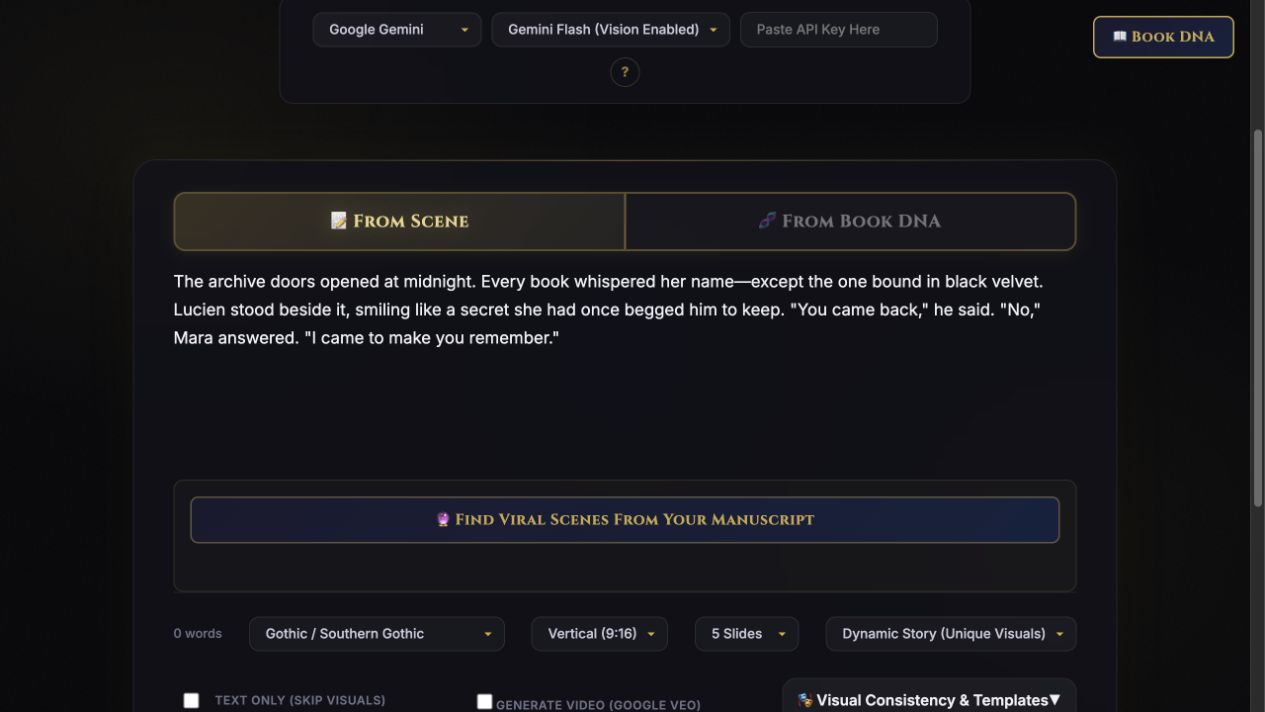
Take a look inside
See the setup before you buy.
This quick tour introduces the scene editor, format choices, Book DNA, and visual controls.
43-second overview · Actual app screens · Narration created with AI
Read the video transcript
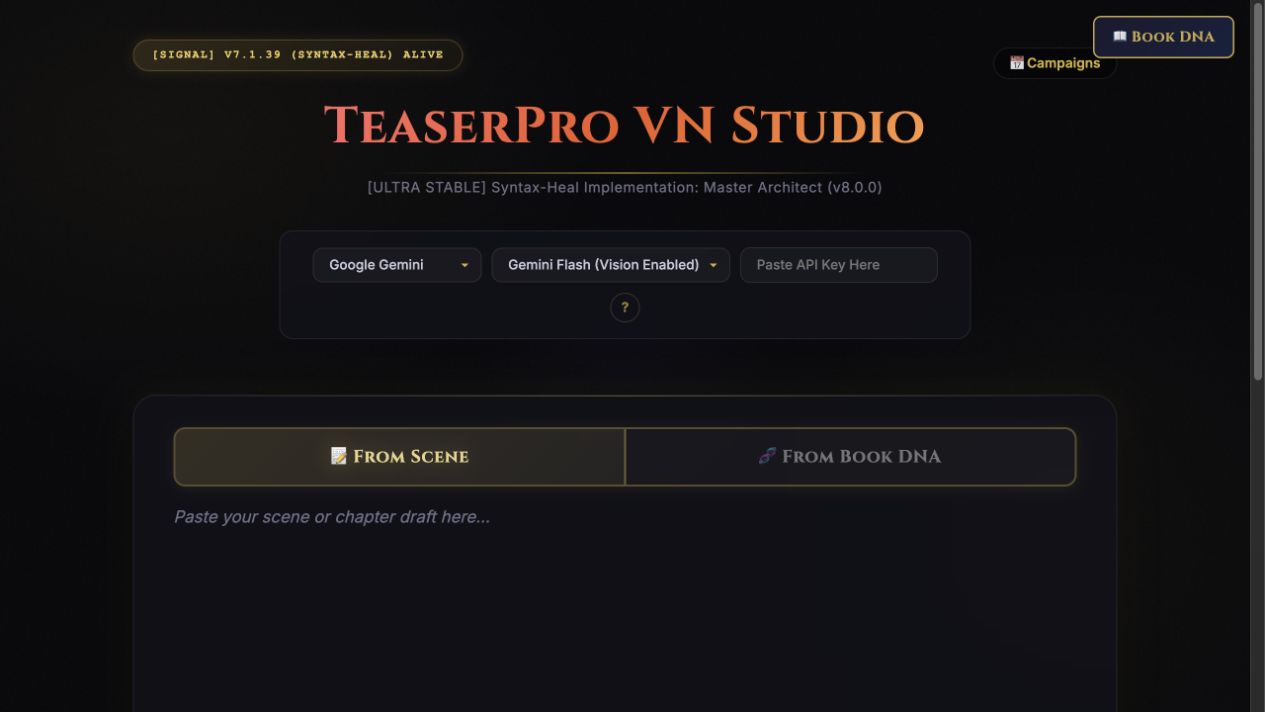
You do not need to become a video editor to make a compelling book teaser. TeaserPro helps you architect the content first. Paste a scene or chapter, choose your genre, select square or vertical, pick the number of slides, and decide whether you want dynamic visuals or a consistent branded look. TeaserPro can map a scene into a structured carousel plan built for story momentum. It also includes Book DNA, campaign tools, text-only options, and visual consistency controls, so you can reuse what already belongs to your book. Start with the words. Let the tool shape the sequence. Then polish and post. TeaserPro is available inside the Darkling Collective.
A finished TeaserPro slideshow
See the scene become the post.
We used a fictional gothic scene to create this five-slide demo in TeaserPro, edited the generated copy, added AI visuals, and baked the text into the images with Studio Mode. These are the finished exports.
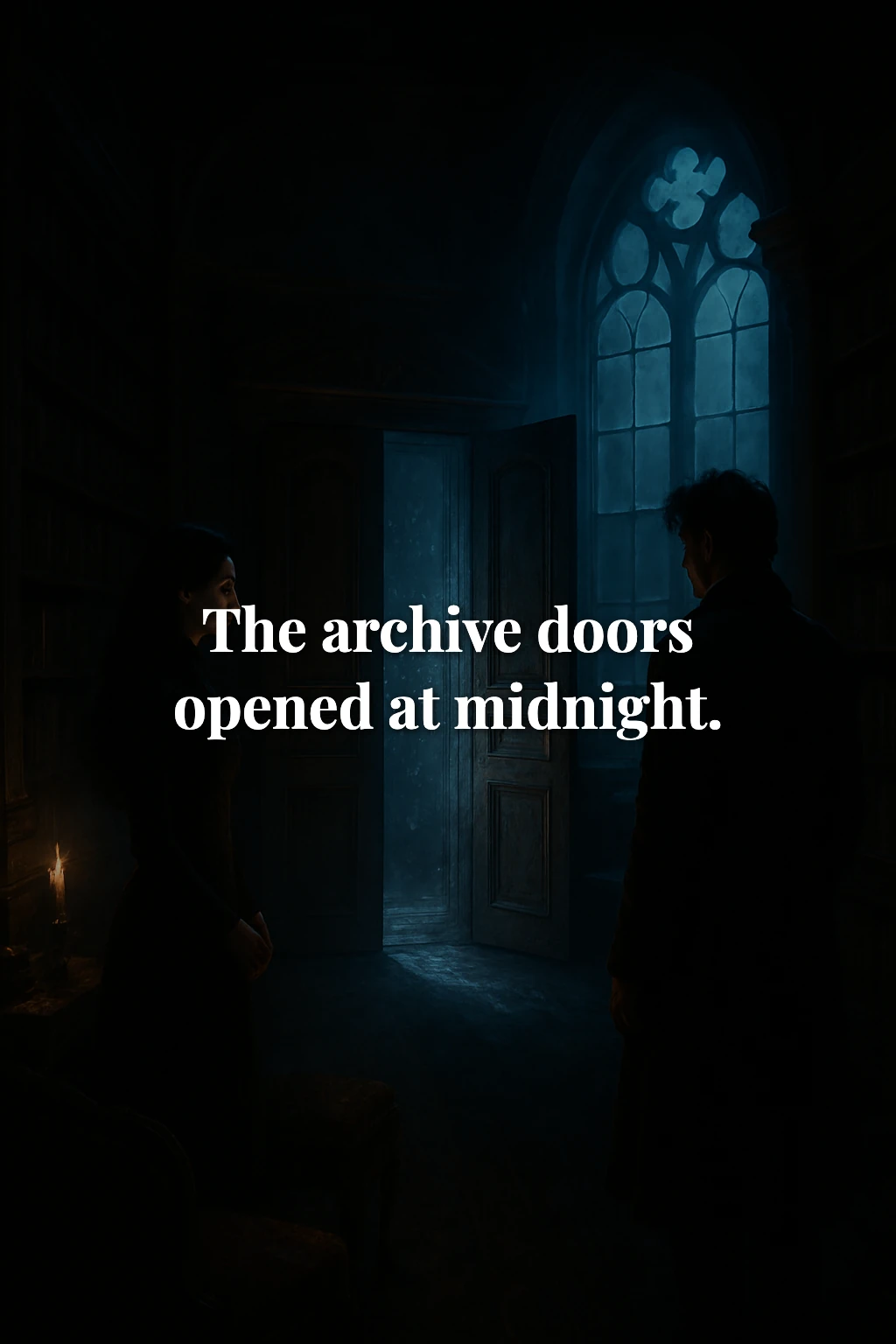
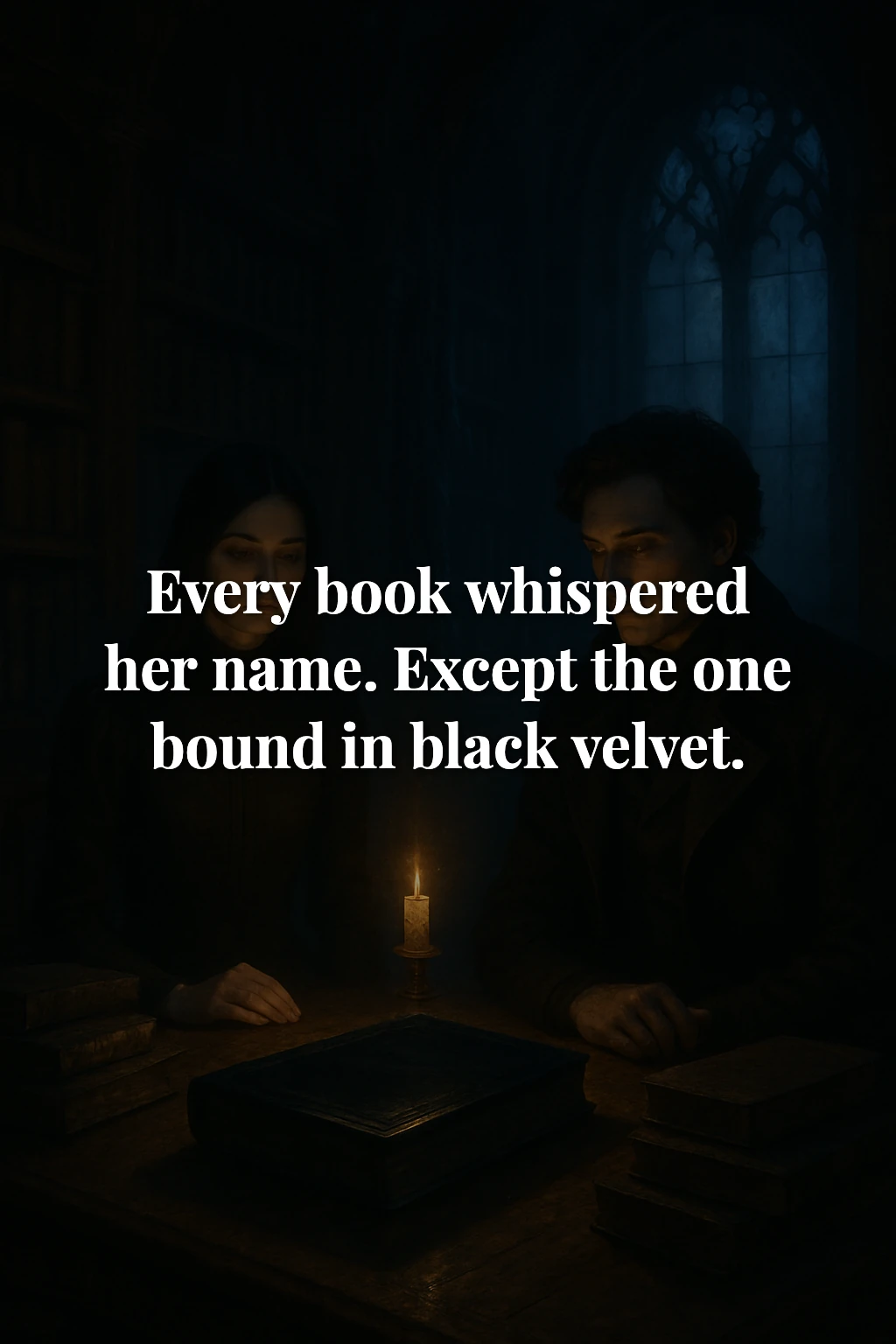
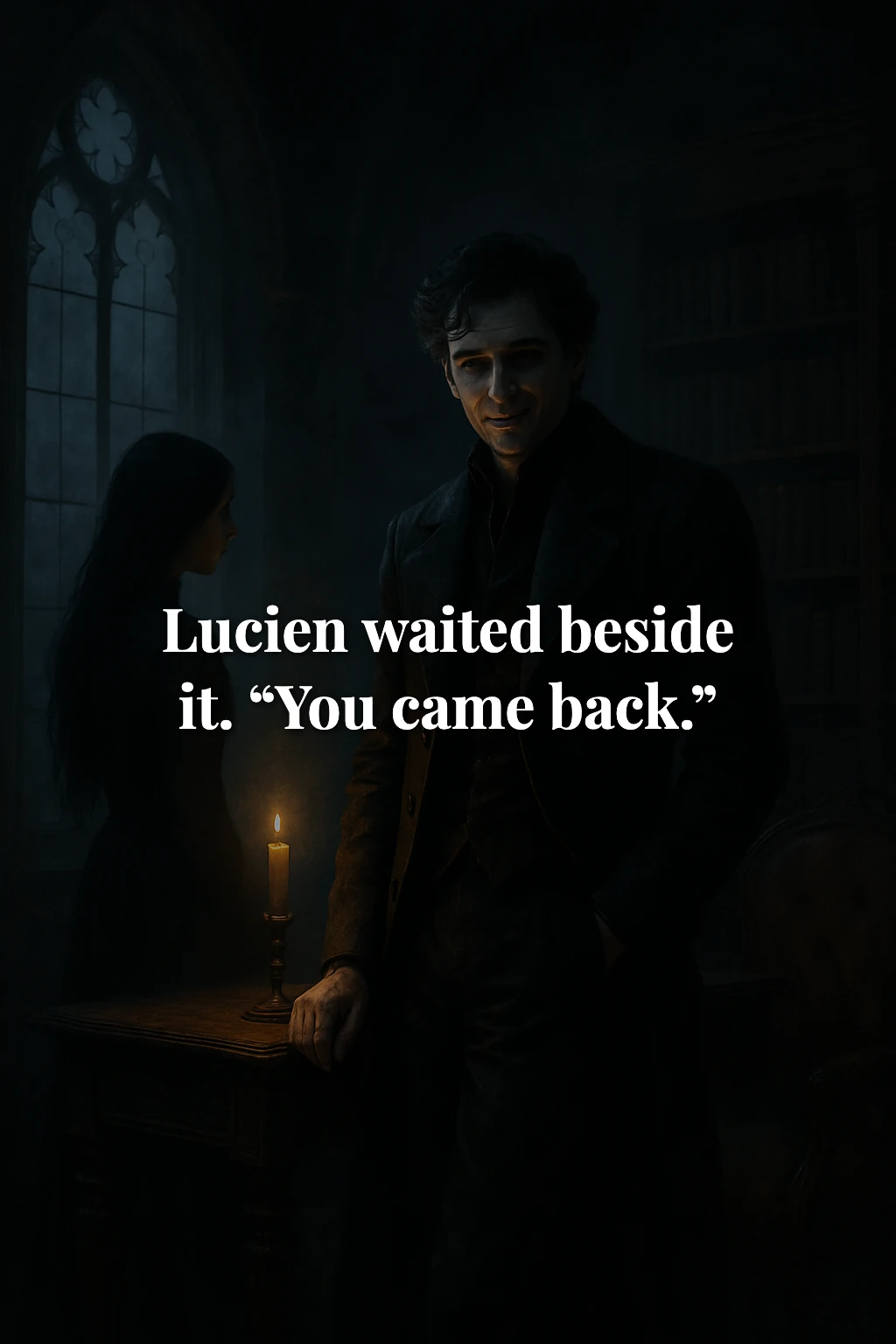
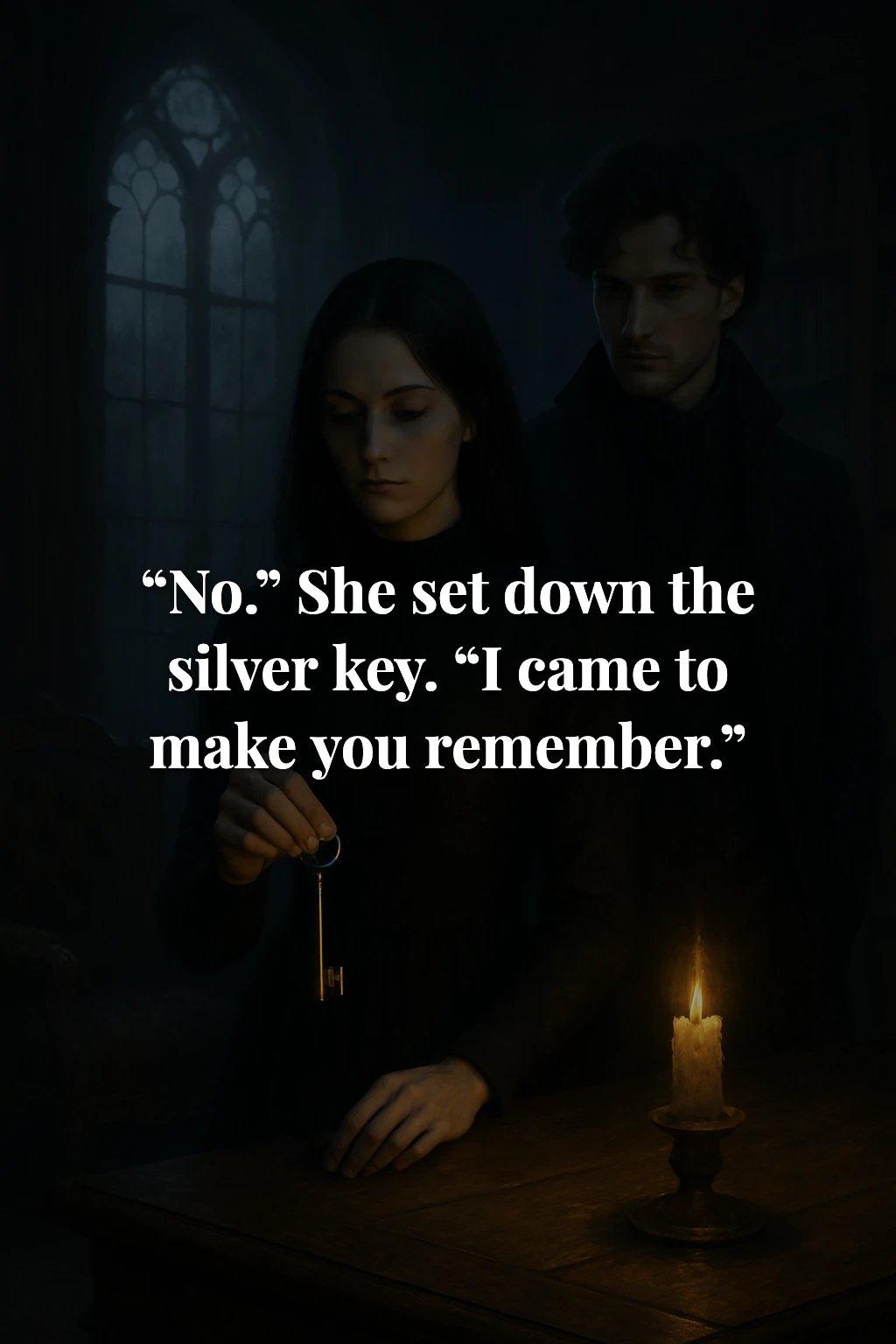
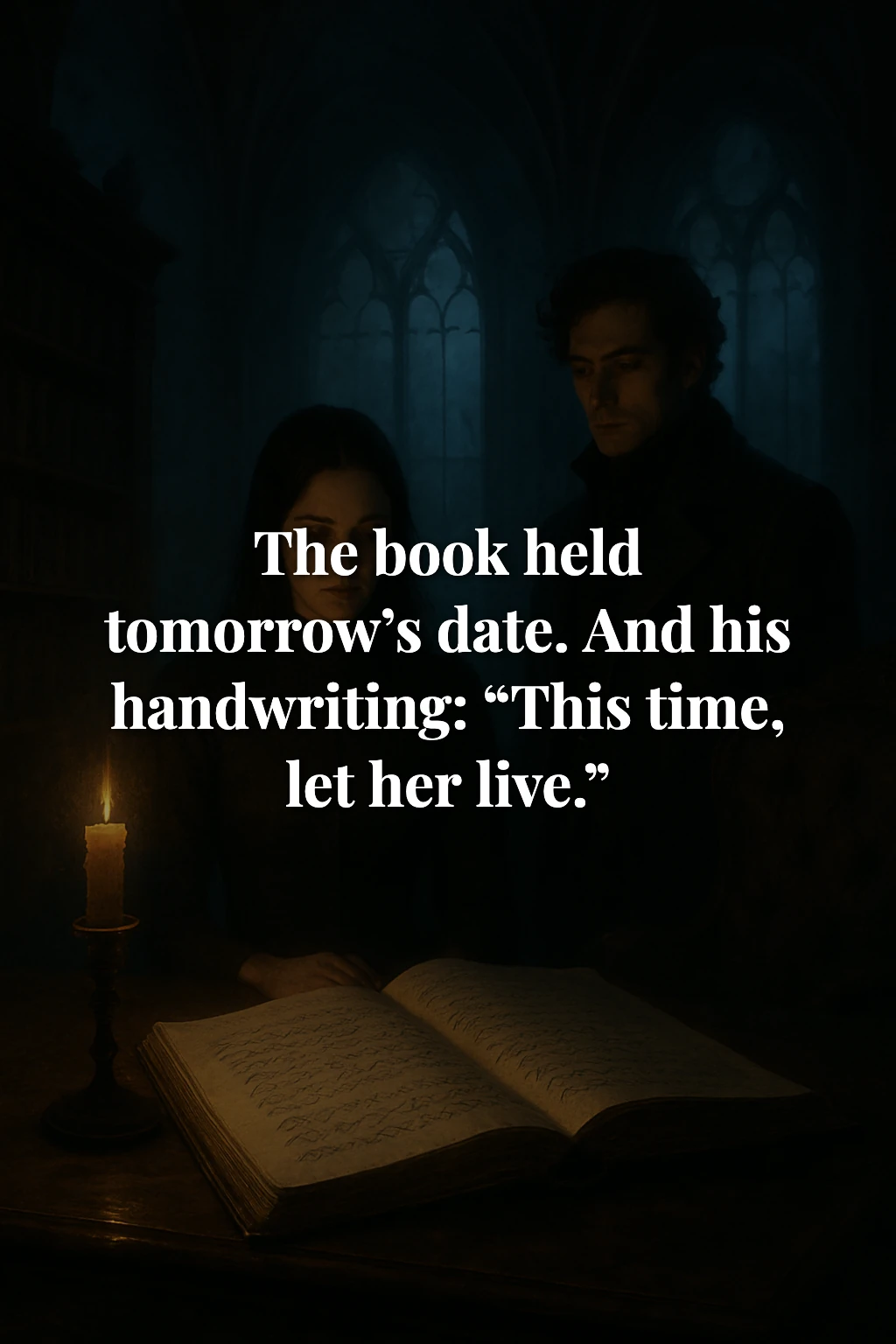
Select any slide to see it full size. Fictional demonstration; AI-generated copy and visuals, with copy edited in the app. Results vary with your scene, settings, and AI provider.
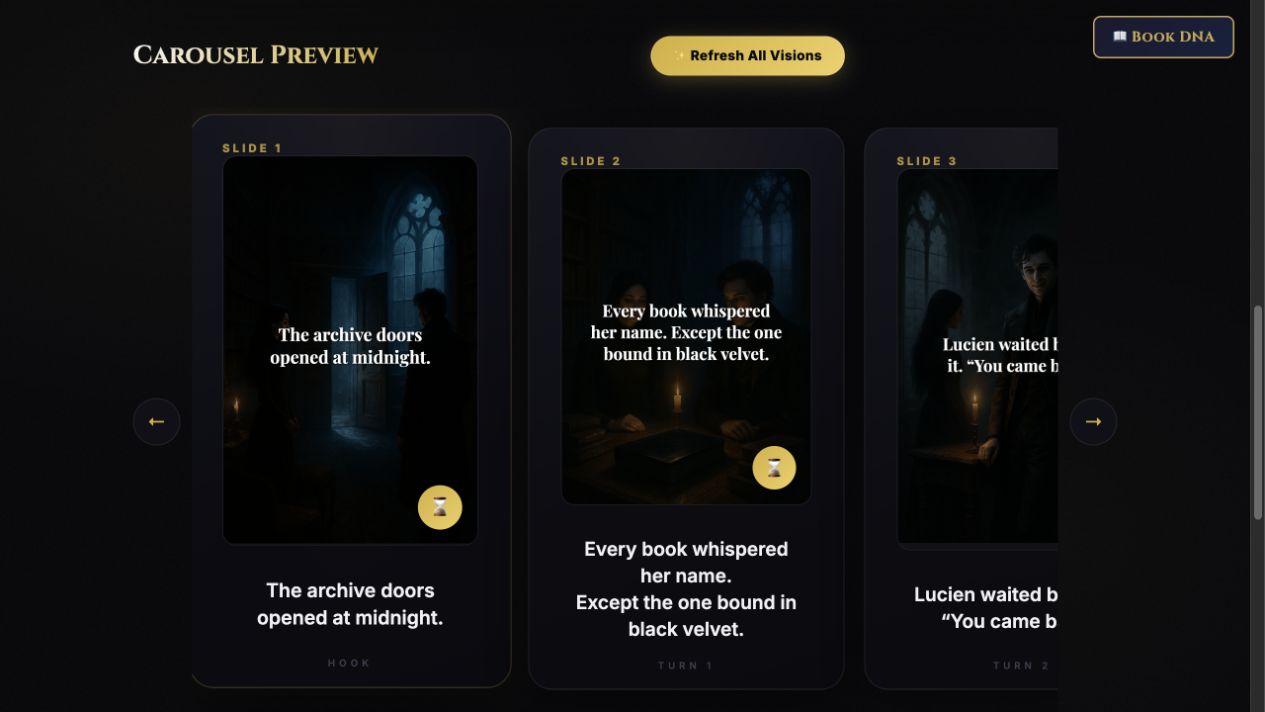
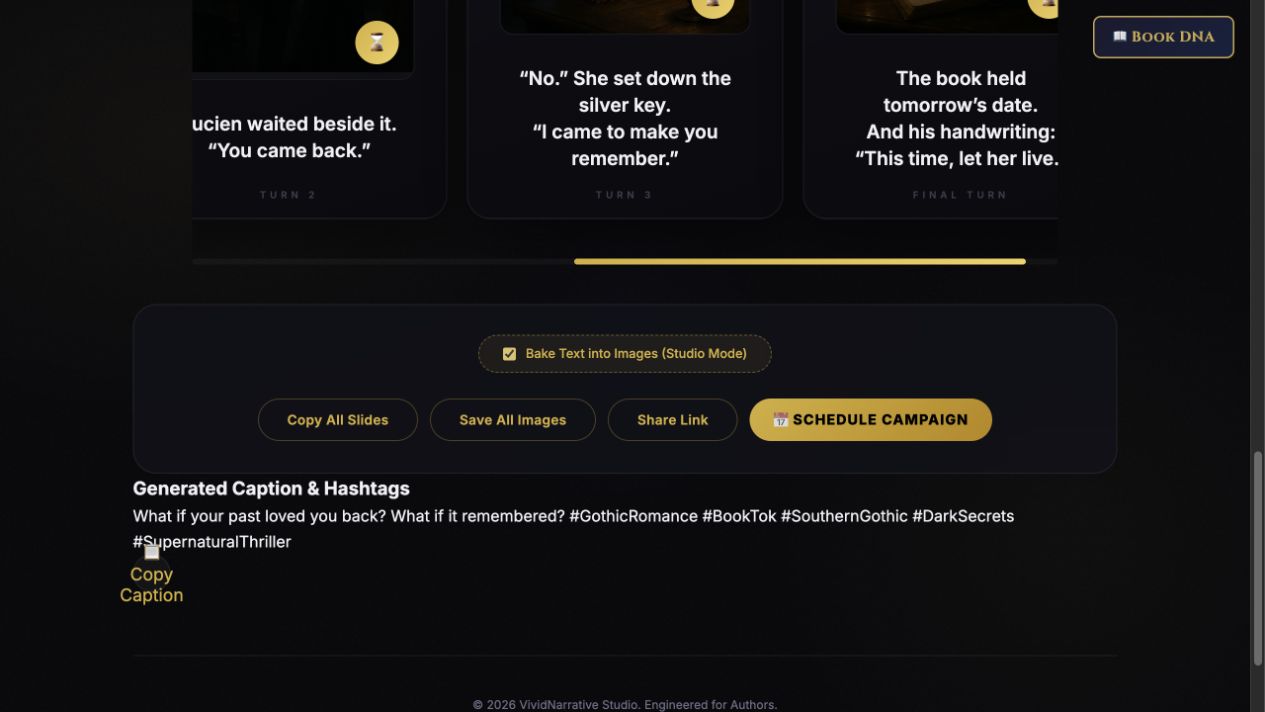
From scene to sequence
Bring the story. Shape the post.
Choose one charged moment.
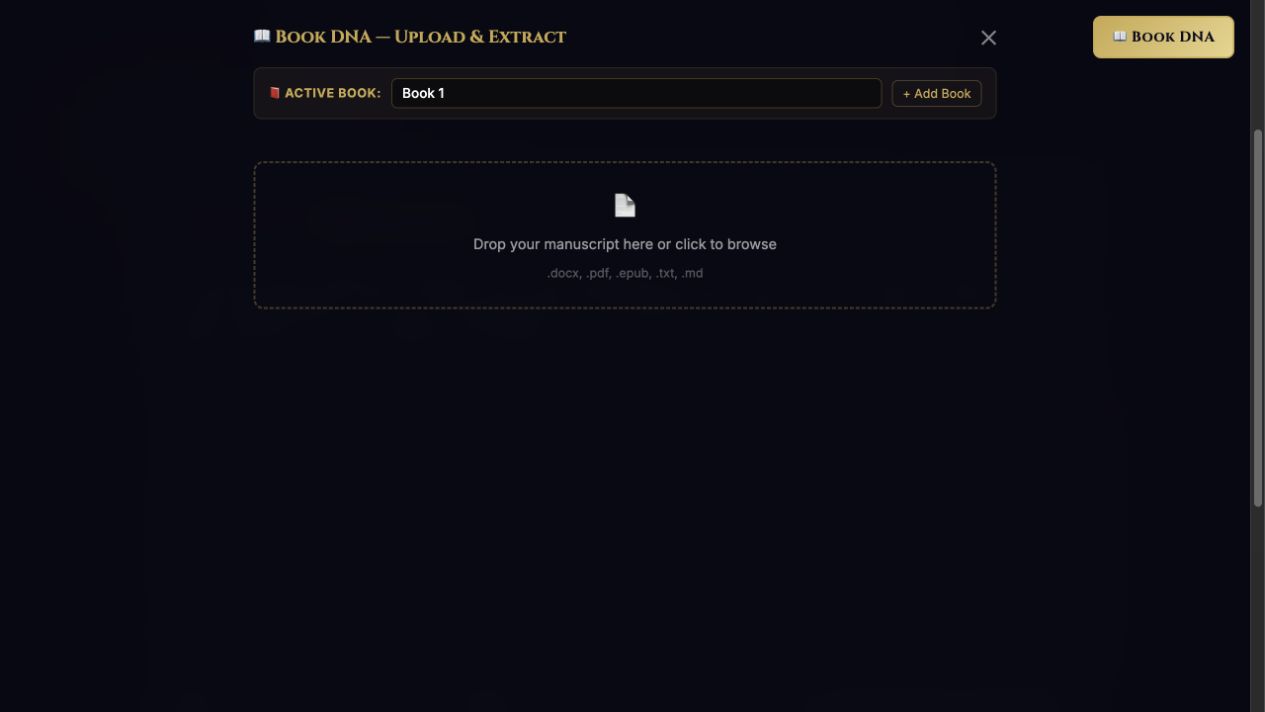
Paste a scene or chapter: a betrayal, confession, threat, or almost-kiss. You can also work from Book DNA—the premise, characters, and story context extracted from your manuscript.
Set the direction.
Choose your genre, square or vertical format, and 3, 5, 7, 9, or 12 slides. Start with Text Only, or choose visual settings and reusable character and style templates.
Generate, edit, and save.
Select Architect Carousel, refine the slide text, and copy your caption. Generate visuals when you need them, save your assets, and organize the post in the campaign planner.
What you can create
Copy, visuals, and a place to plan.
Choose the output you need for this post. You can begin with words and add visuals after the sequence works.
- Editable carousel copy
- A connected slide sequence you can revise in the preview and copy into your posting workflow.
- Captions and hashtags
- Separate caption copy to edit and copy alongside your slides.
- Image prompts and optional visuals
- Visual direction for your slides, with generation through supported AI providers. Use character templates, reference images, and style presets to guide consistency.
- Saved images and text overlays
- Save generated images, with the option to bake slide text into images using Studio Mode.
- Book context and scene discovery
- Use Book DNA or the manuscript scene finder to choose material with a strong emotional turn.
- A campaign planner
- Organize assets by date and frequency, and track scheduled and posted items. You publish the finished content to your social platforms.
Optional image generation defaults to GPT Image 2.5 Sunburst at high quality for new selections. Saved models stay selected until you change them in Visual settings. Estimated image-output charges are about $0.037 per portrait or $0.053 per square, plus prompt and reference-image charges; provider prices may change.
Before you start
What you need.
TeaserPro is a browser-based app for authors who want to turn their own scenes into social content and refine the result themselves.
Your own AI API key
The $149 purchase covers the app. You connect an API key from a supported AI provider; any provider usage charges are separate. Text, image, and video availability depend on the provider and account you choose. Read the API setup guide.
A scene or manuscript to work from
You can start by pasting a scene. Book DNA and manuscript upload are available when you want broader story context. You do not need to buy the Full Marketing Suite to use TeaserPro on its own.
Time to review and finish the post
Edit the generated text, check visuals and formatting, then publish through your chosen social platform. The campaign scheduler is a planning tool; it does not automatically post to TikTok or Instagram.
What about video generation?
A video option appears for supported setups. It depends on the selected provider and its access requirements. Start with the carousel copy, then add visuals or video when the words are ready.