Step 1
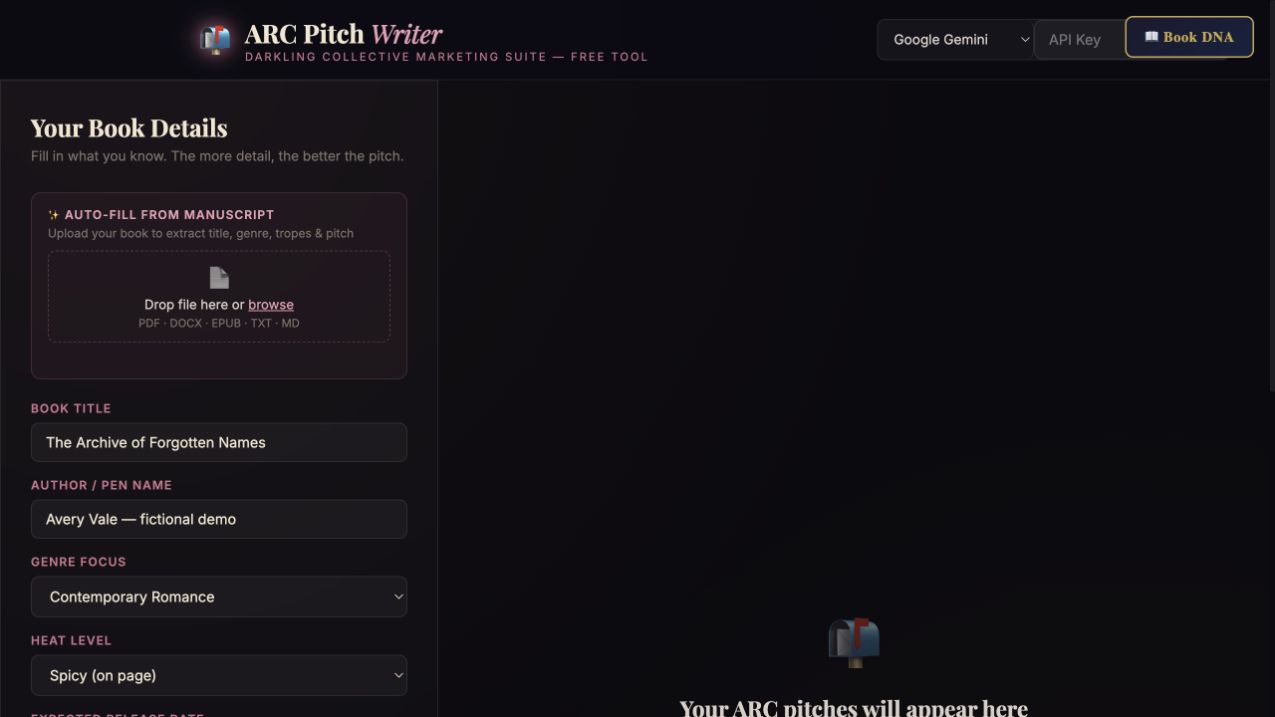
Add the book and logistics
Supply the title, author, genre, tropes, pitch, format, and expected release date.
Step-by-step guide · Browser app
Draft an invitation that helps suitable advance readers decide whether to join your ARC team.
Check price and access →Step 1
Supply the title, author, genre, tropes, pitch, format, and expected release date.
Step 2
Compare warm and personal, professional, and social-friendly versions.
Step 3
Add the signup link, deadline, and contact details for the specific reader or outlet.
Warm, professional, and social-friendly outreach drafts to personalize before sending.
Review the result against your source and intended use. Keep a backup before changing devices or replacing a saved project.
Use this for invitations. Use Email Sequence Builder for a connected sequence of reader emails.
Return to product and access details →