Step 1
Describe the book and its history.
Add its title, genre, tropes, blurb, distribution, review range, and what you have already tried. List the assets you can use.
Step-by-step guide · Browser app
Build a practical relaunch campaign for a released book that needs renewed attention.
Check price and access →Step 1
Add its title, genre, tropes, blurb, distribution, review range, and what you have already tried. List the assets you can use.
Step 2
Add your biggest relaunch question and an optional cover image. Select your AI provider and model, then click Resurrect This Book.
Step 3
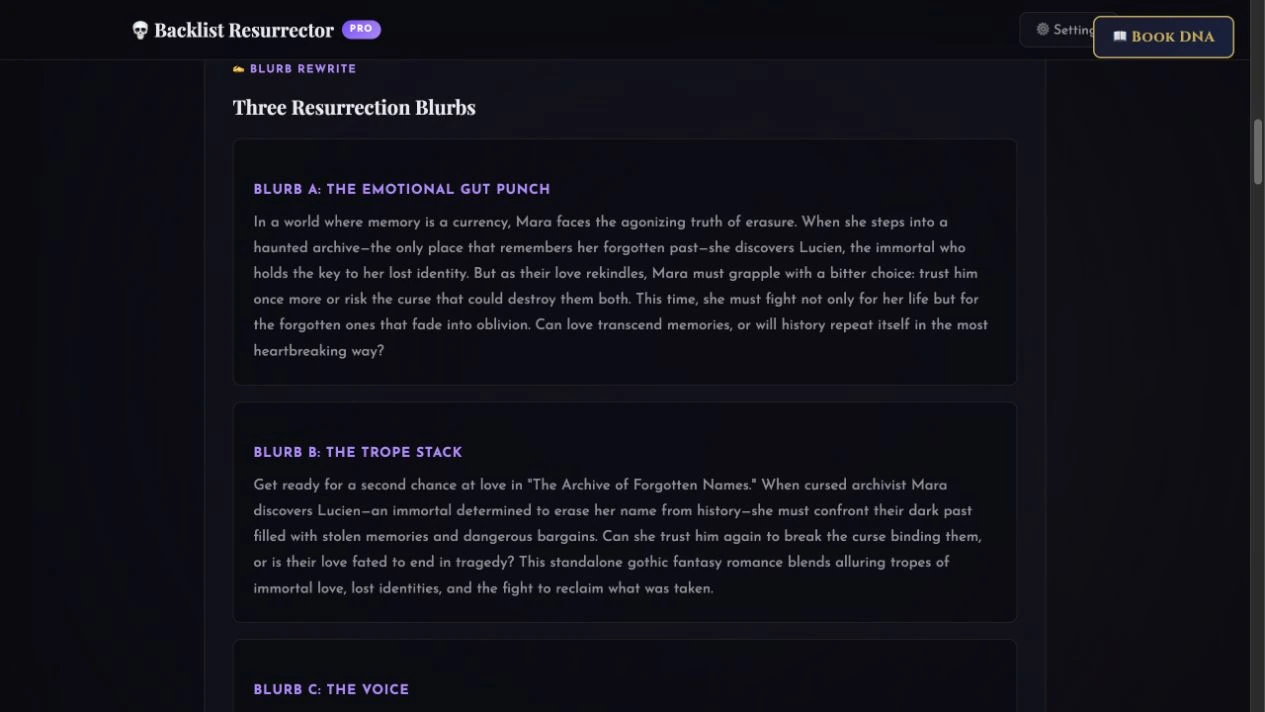
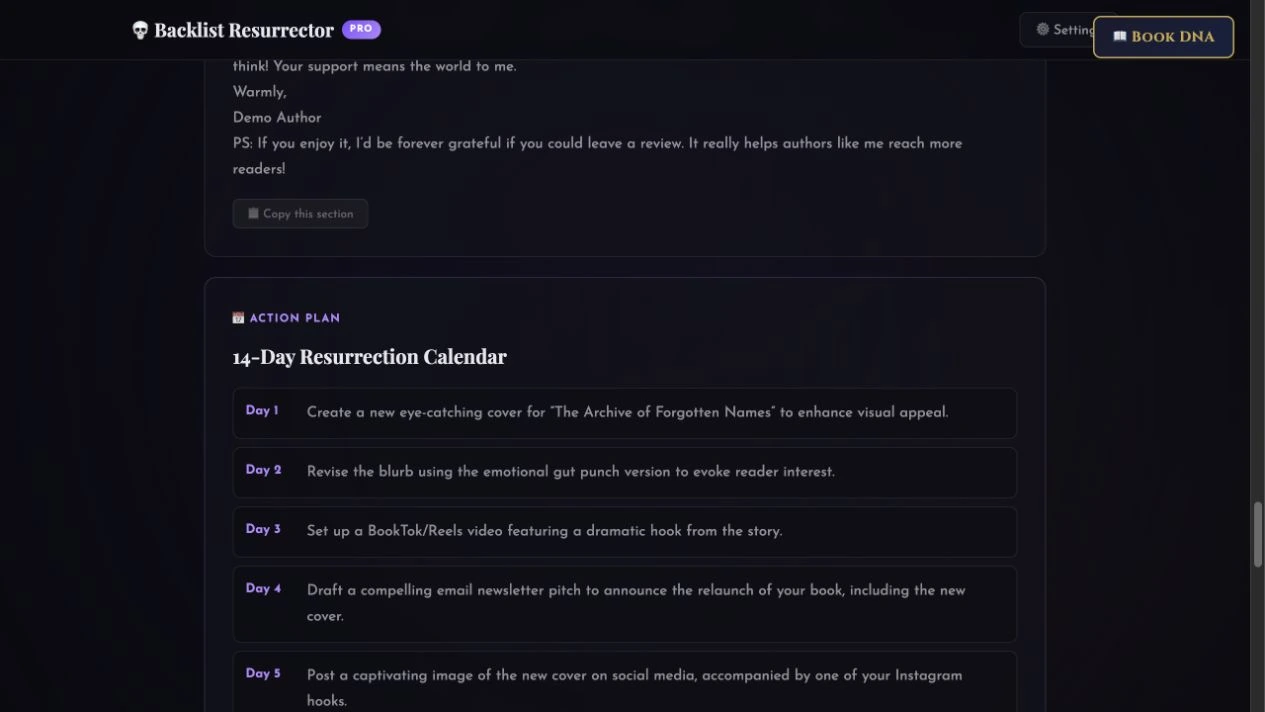
Compare the blurbs, select useful hooks and email copy, and adapt the 14-day calendar. Copy individual sections or the full plan, or print it to PDF.
Alternative blurbs, hooks, email and ad copy, and a 14-day campaign plan to adapt.
Review the result against your source and intended use. Keep a backup before changing devices or replacing a saved project.
Start with the free Backlist Resurrector for a guided plan. Pro creates a deeper AI-assisted copy and campaign package.
Return to product and access details →