Step 1
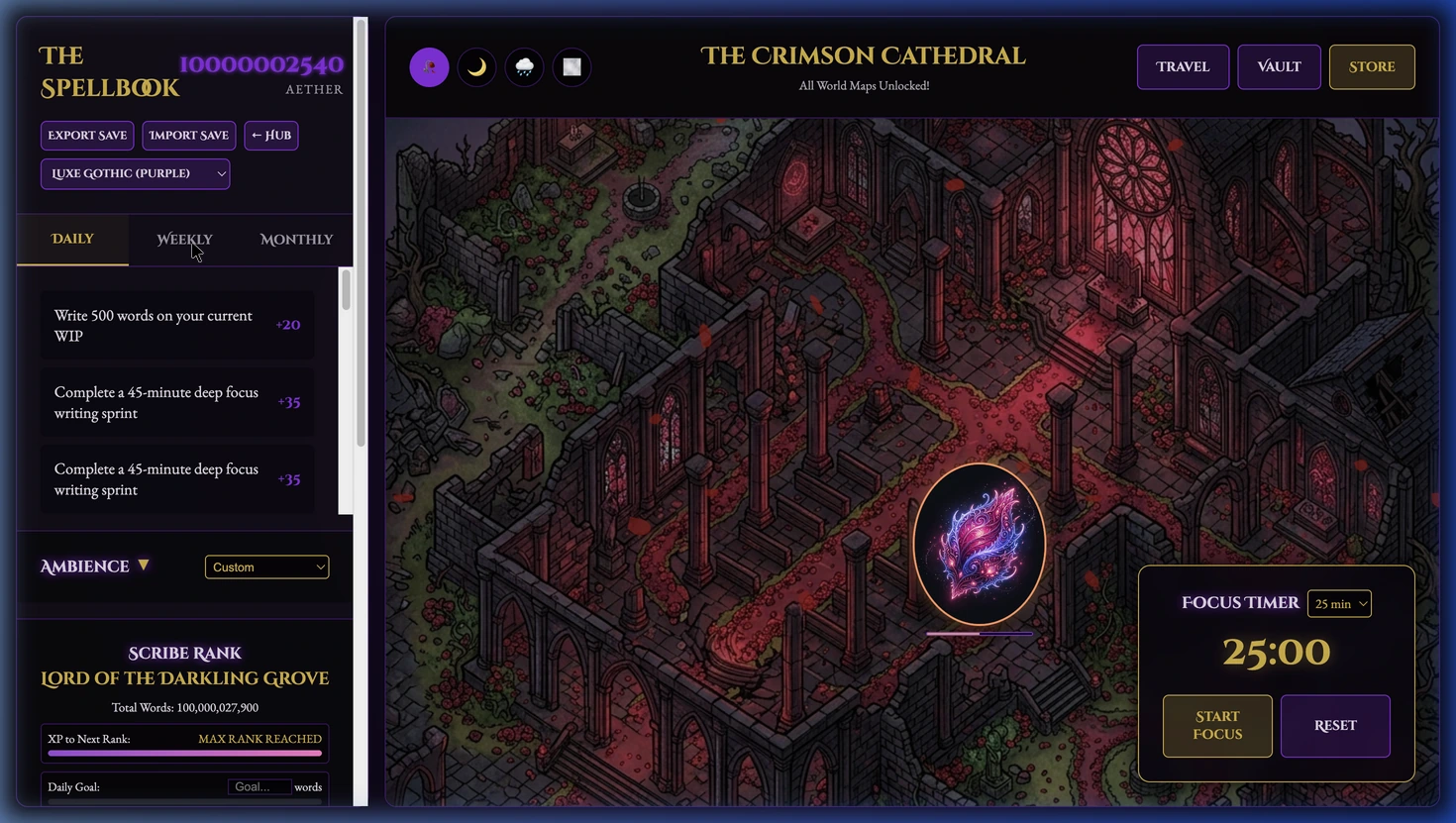
Choose a writing task.
Set a daily word goal or pick a task from your Spellbook. Add a custom task when you need something more specific.
Step-by-step guide · Writing tracker and garden app
Use focus sessions and writing logs to build a routine and grow a gothic garden.
Check price and access →Step 1
Set a daily word goal or pick a task from your Spellbook. Add a custom task when you need something more specific.
Step 2
Run a timed sprint and write in your usual drafting app. Return to log your word count and mark completed tasks.
Step 3
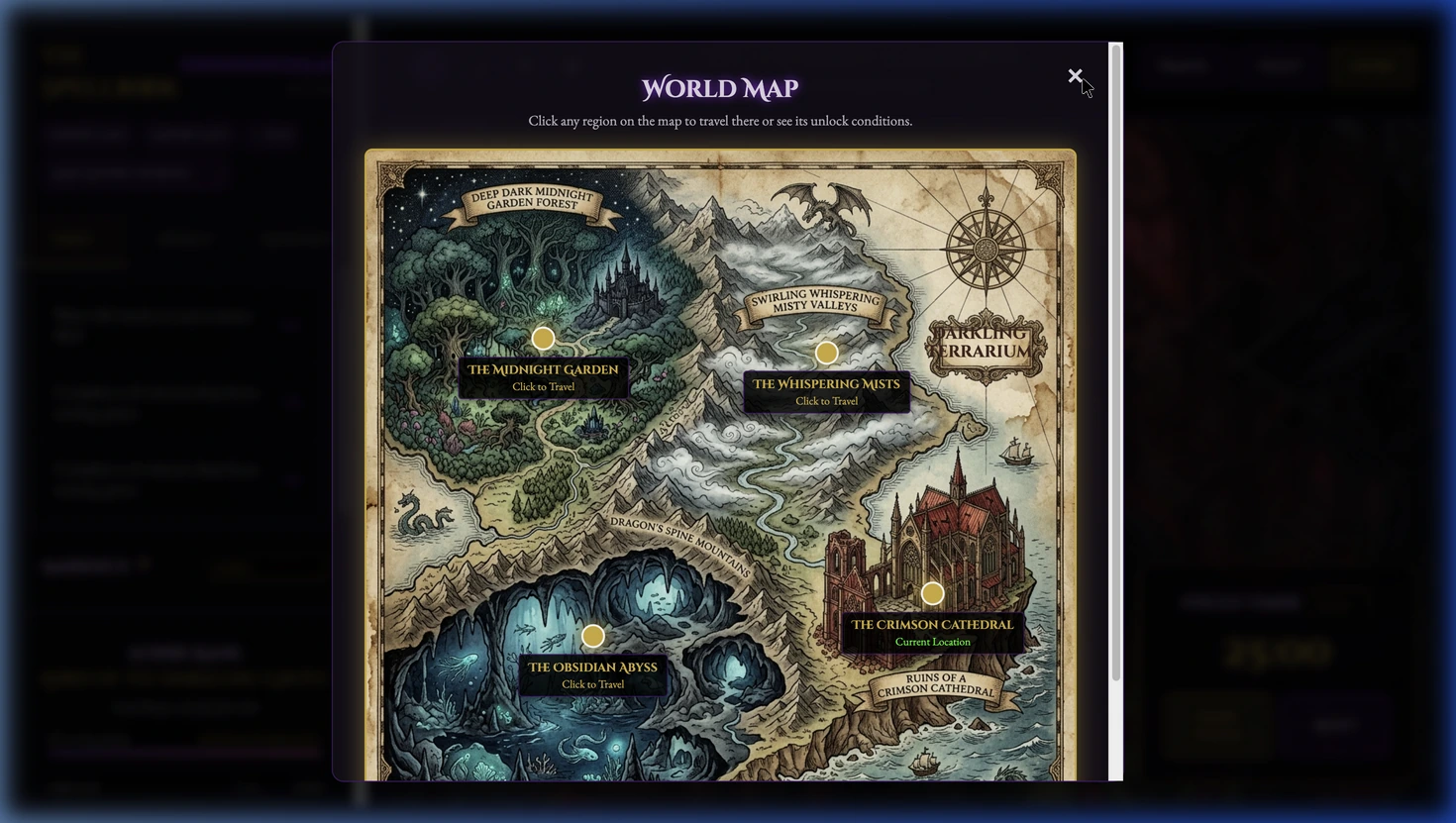
Earn Aether, unlock plants and creatures, explore available regions, and export your save to keep a backup.
A writing record, completed tasks, Aether rewards, garden progress, and an exported save.
Review the result against your source and intended use. Keep a backup before changing devices or replacing a saved project.
Writing Progress and Rewards Companion is a separate local assistant workflow; Terrarium is the visual garden app.
Return to product and access details →