Step 1
Bring a specific moment.
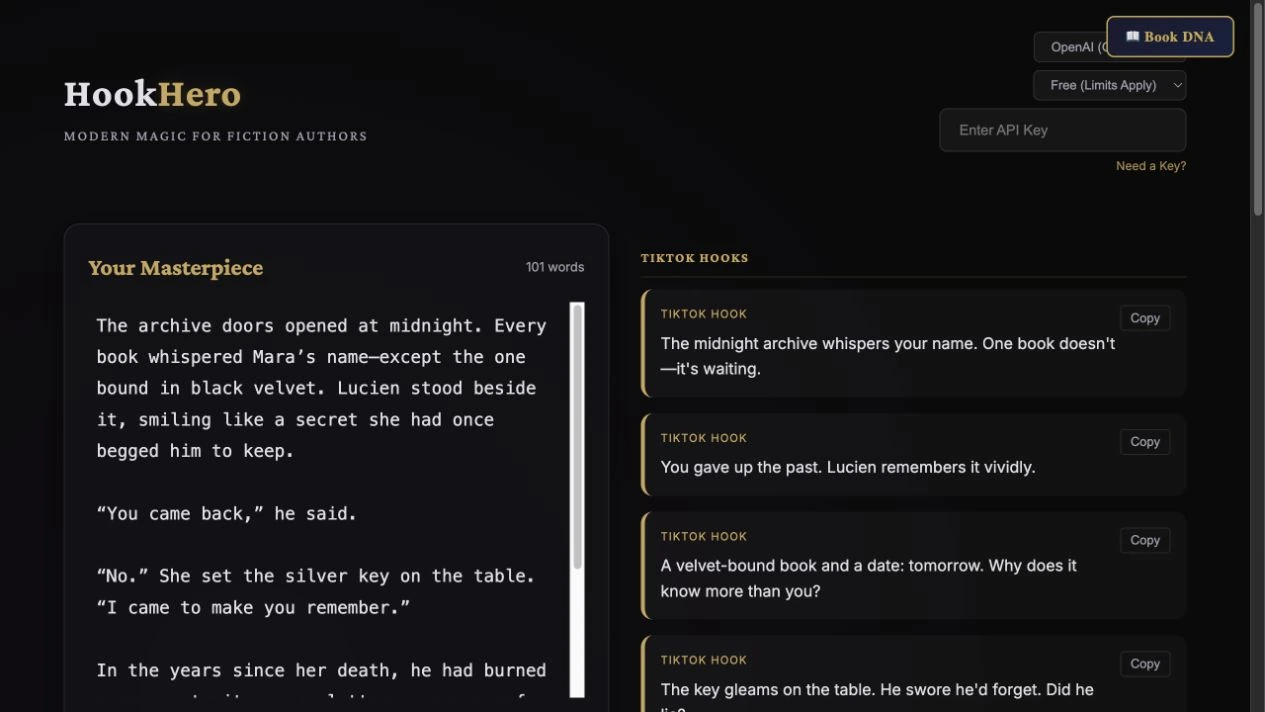
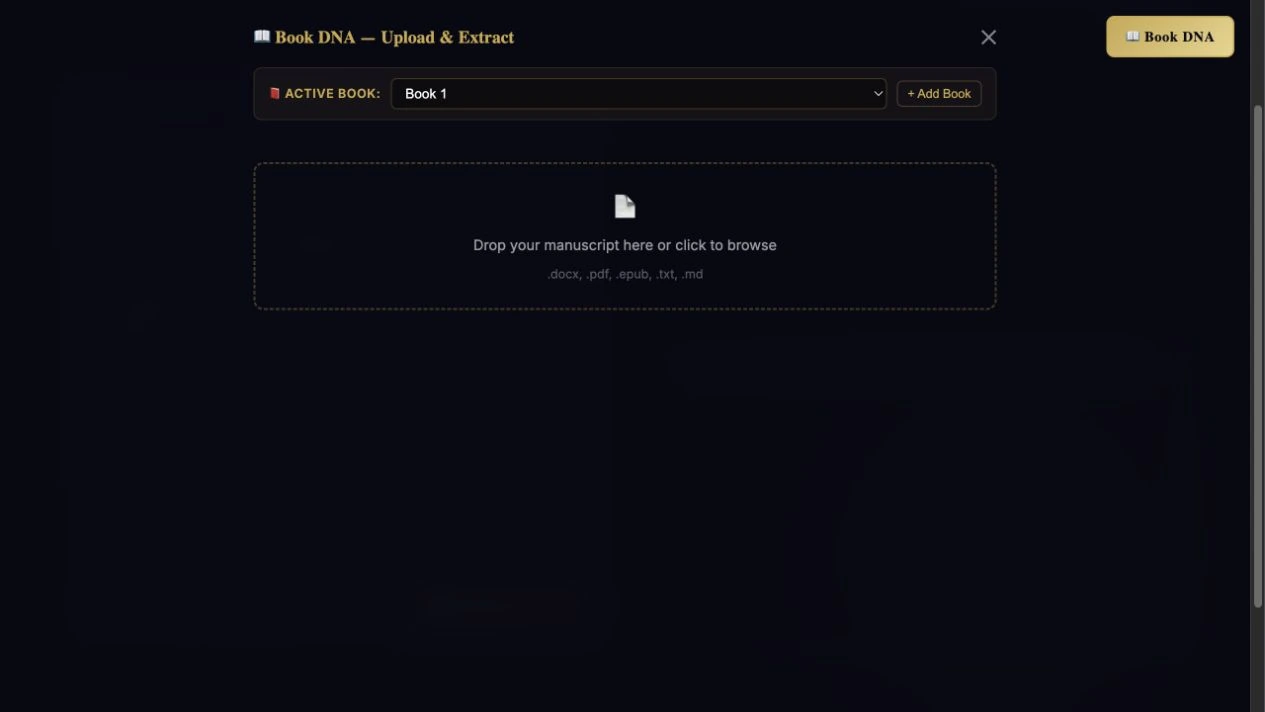
Paste a scene, chapter, premise, or summary, or work from Book DNA. A concrete conflict gives the tool useful material.
Step-by-step guide · Browser app
Turn a scene or book summary into a batch of promotional hooks.
Check price and access →New: actual HookHero run. 2:15 with captions, review decisions and written steps. Watch the actual app demo →
Step 1
Paste a scene, chapter, premise, or summary, or work from Book DNA. A concrete conflict gives the tool useful material.
Step 2
Select your AI provider and a tone that fits the genre. Click Cast the Spell to create the batch.
Step 3
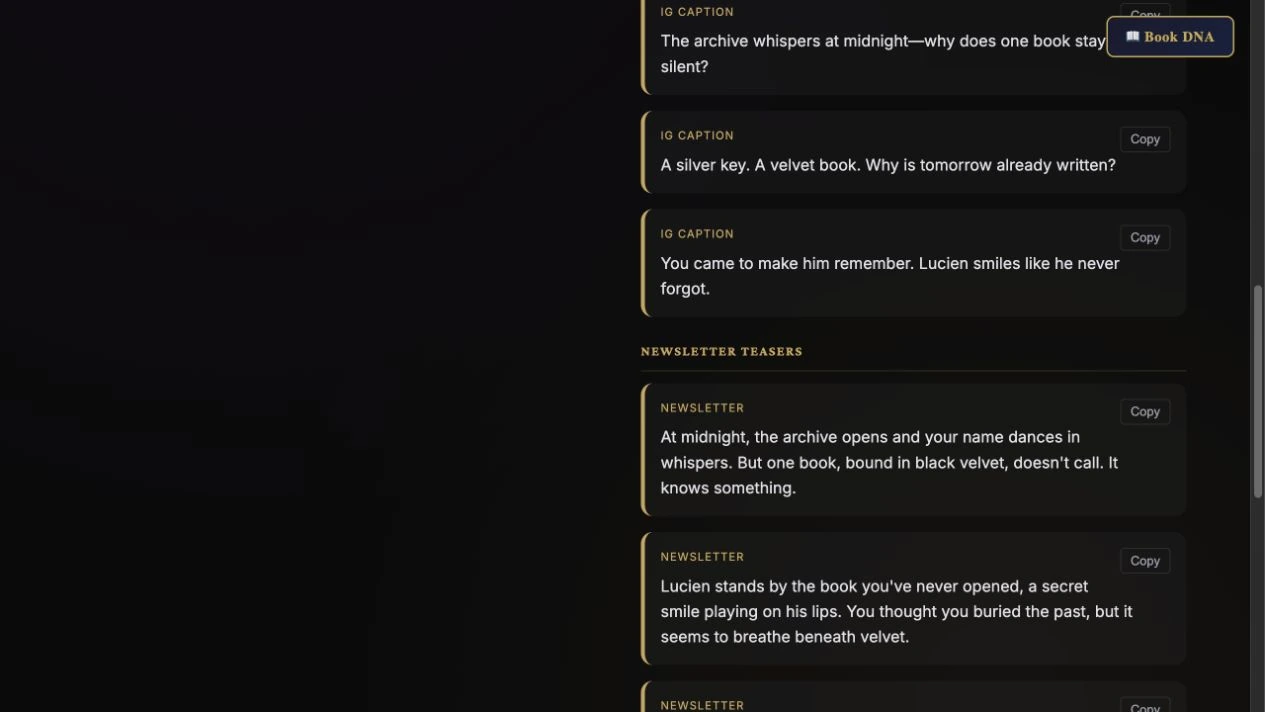
Read each option, copy individual results, or download the batch as text. You decide which language belongs in your marketing.
TikTok hooks, Instagram openings, newsletter teasers, and a short book pitch.
Review the result against your source and intended use. Keep a backup before changing devices or replacing a saved project.
Use Hook Lab for a reusable assistant workflow; Hook Graveyard for reviewing a weak post; Hook Sanctum for comparing successful hooks.
Return to product and access details →