Step 1
Start with the reading experience
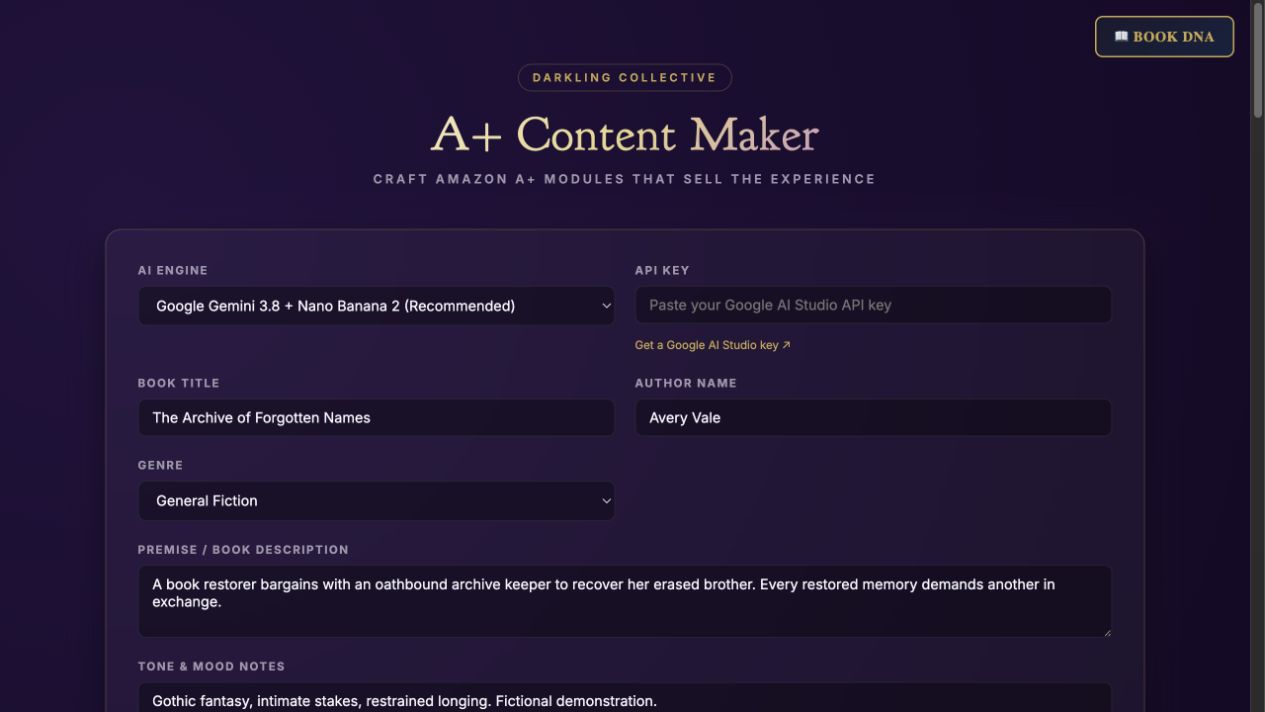
Add the title, author, premise, genre, and tone.
Step-by-step guide · Browser app included with a course
Prepare module copy and image direction for an Amazon A+ Content submission.
Check price and access →Step 1
Add the title, author, premise, genre, and tone.
Step 2
Generate drafts, edit the copy in place, and choose a focused set of modules.
Step 3
Use the displayed image dimensions, finish the visuals, and move the reviewed material into your A+ submission.
Editable module drafts, image direction, and a cohesive A+ content plan.
Review the result against your source and intended use. Keep a backup before changing devices or replacing a saved project.
A+ Content for Authors teaches the process. KDP A+ Content Studio is a separate installable AI skill.
Return to product and access details →