Step 1
Name your series
Keep each cast in a separate browser workspace, or import your existing Book DNA cast.
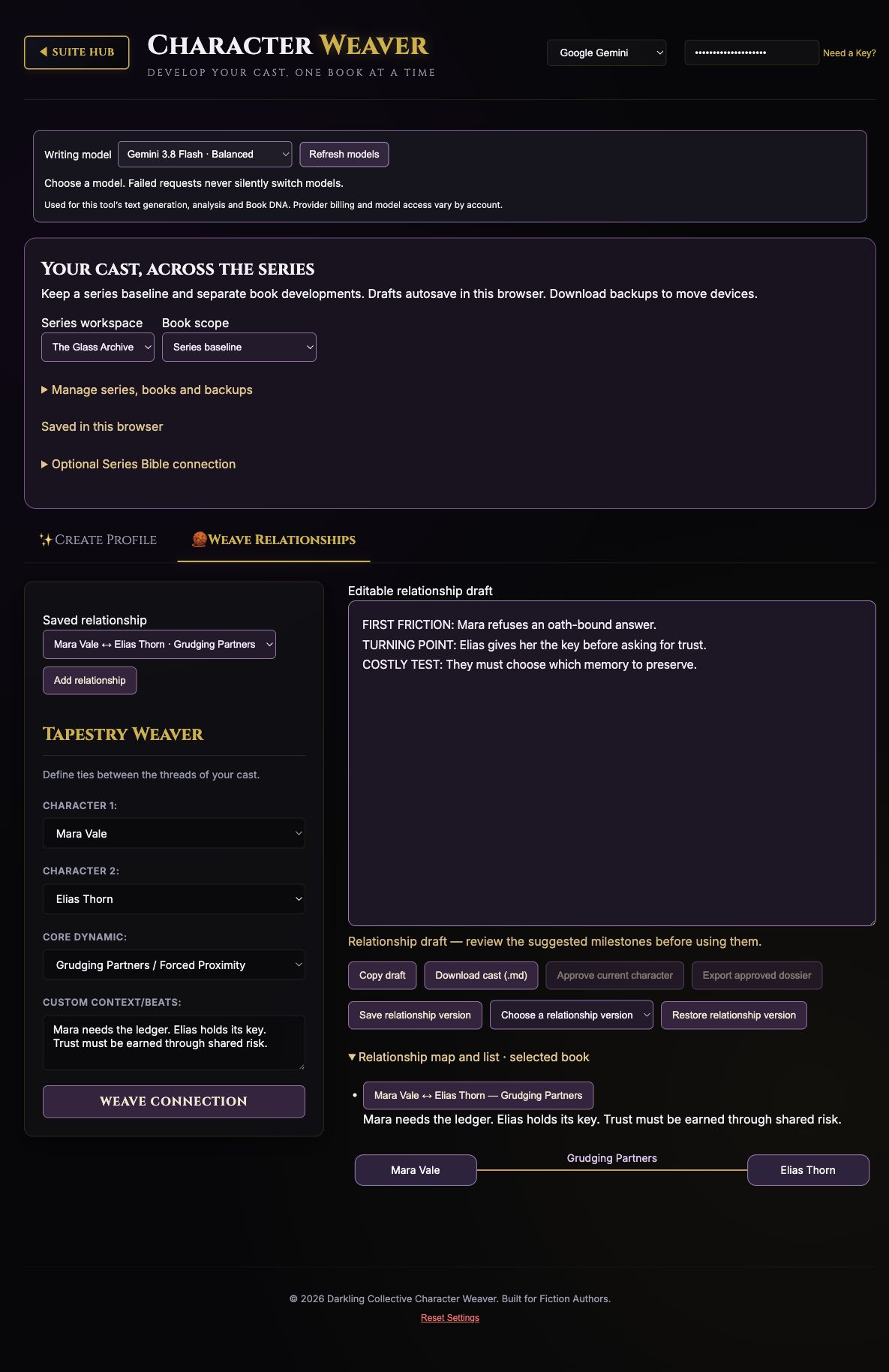
Step-by-step guide · Browser app
Build and maintain a cast across books, with saved profiles and relationships.
Check price and access →Step 1
Keep each cast in a separate browser workspace, or import your existing Book DNA cast.
Step 2
Write or generate a profile, keep versions, and record changes for each book.
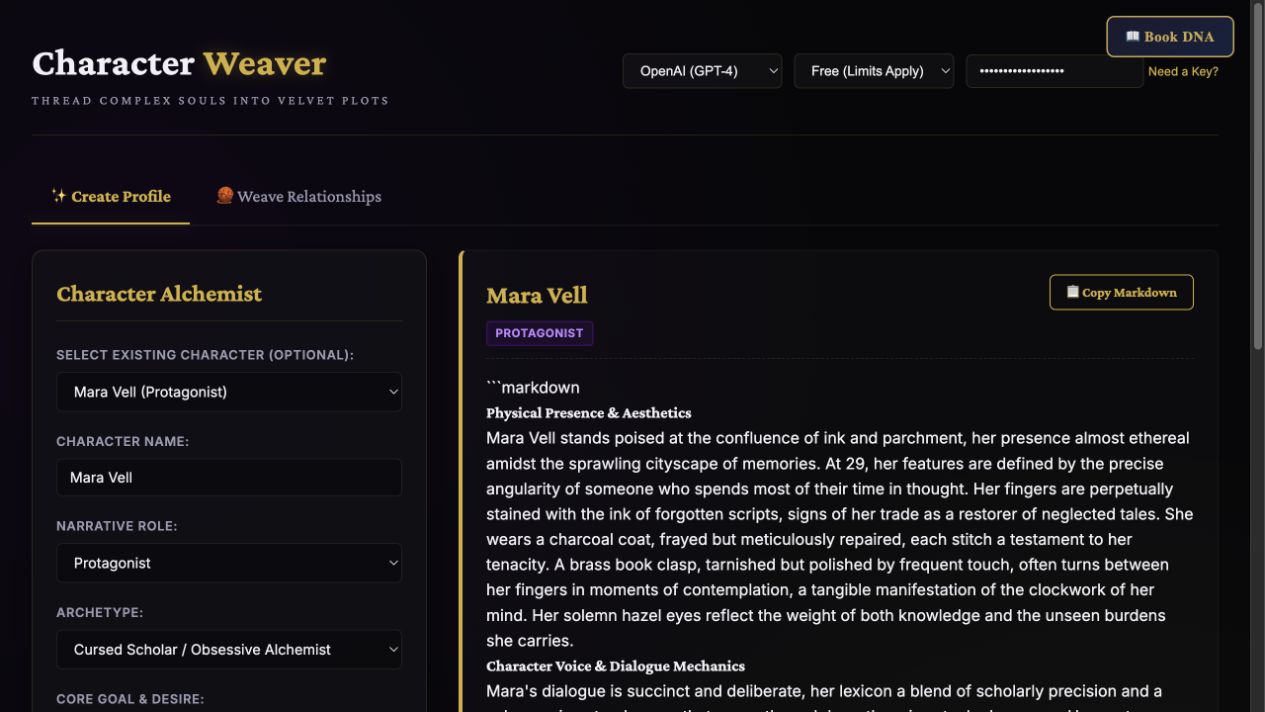
Step 3
Map relationships, approve a character version, and optionally exchange files with Series Bible Builder.
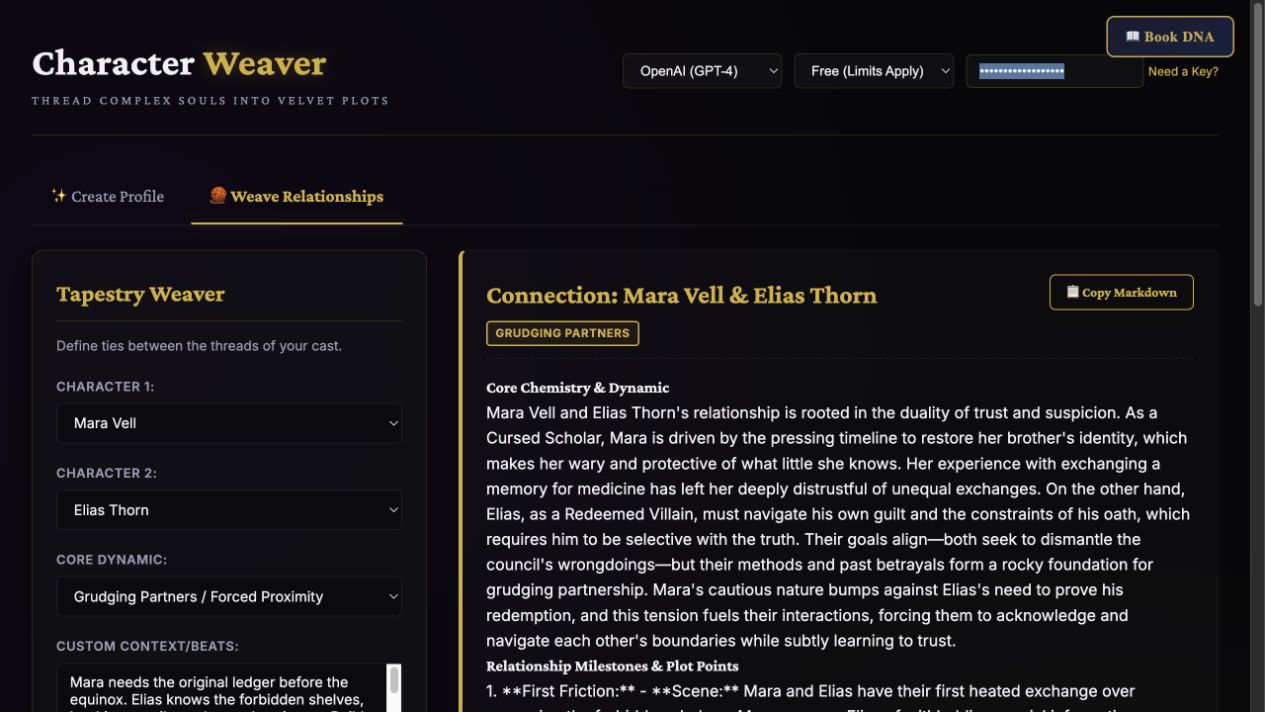
Editable profiles, book-specific development, relationship notes, and portable backups.
Review the result against your source and intended use. Keep a backup before changing devices or replacing a saved project.
The separately sold Character Weaver skill runs in an AI assistant; purchasing it does not unlock this browser app.
Return to product and access details →