Step 1
Prepare the project
Import the manuscript and check that its chapter structure is correct.
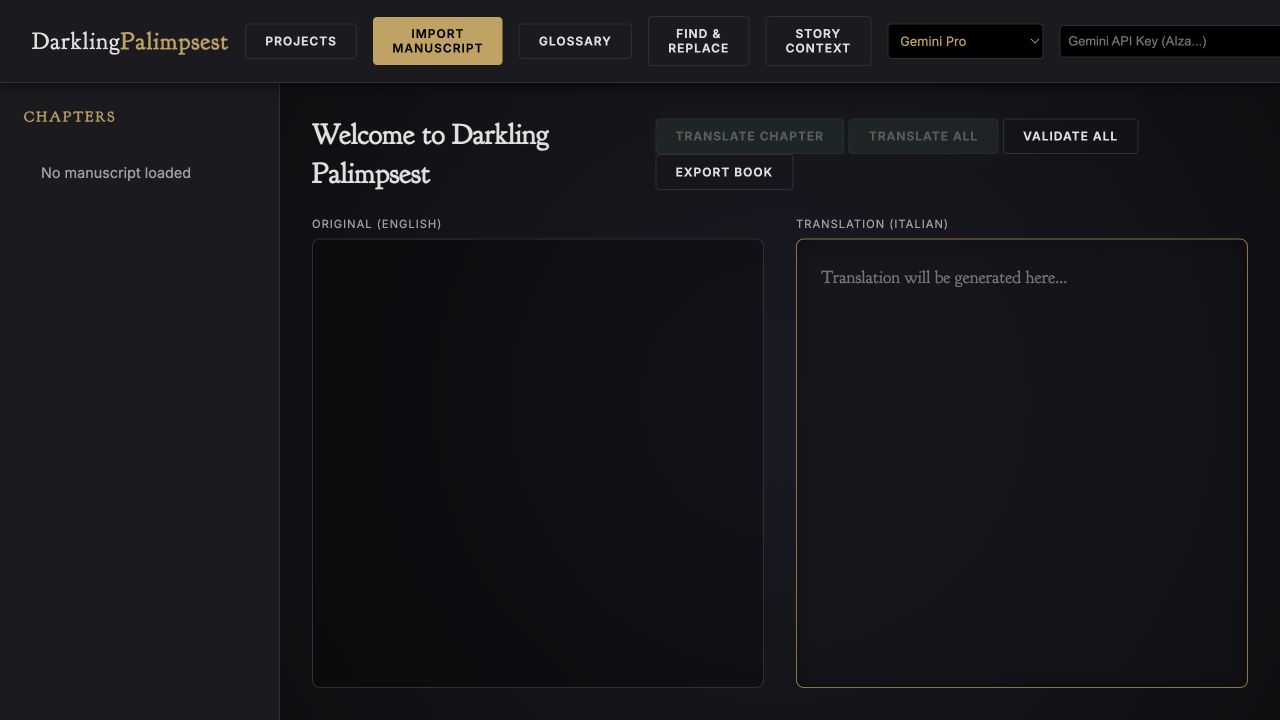
Step-by-step guide · Browser workspace
Translate and review a manuscript chapter by chapter with consistent story context.
Check price and access →Step 1
Import the manuscript and check that its chapter structure is correct.
Step 2
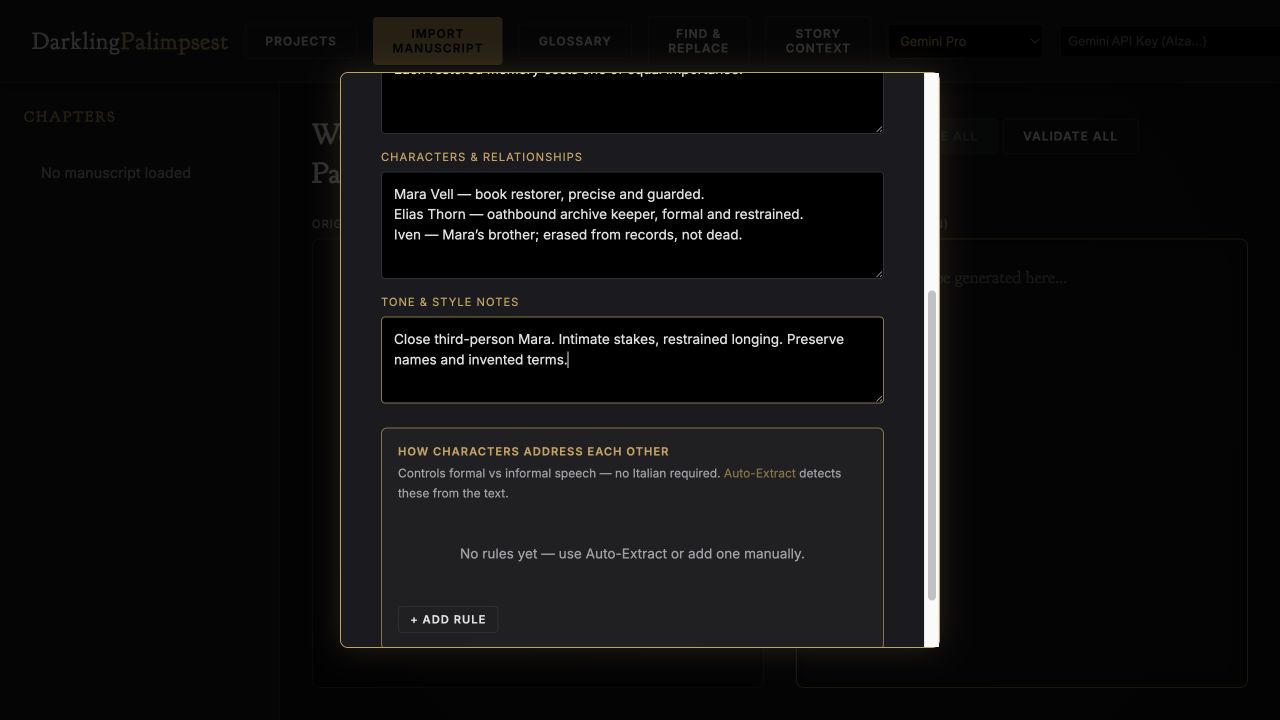
Record characters, tone, relationships, and recurring names or invented terms.
Step 3
Start with one chapter, refine the approach, then continue through the book.
Chapter translation drafts, terminology decisions, review notes, and book exports.
Review the result against your source and intended use. Keep a backup before changing devices or replacing a saved project.
Literary Translation Studio is a separate installable workflow for an AI assistant.
Return to product and access details →