Step 1
Bring the story and links
Add book context, author details, reader promise, and the destinations you want readers to visit.
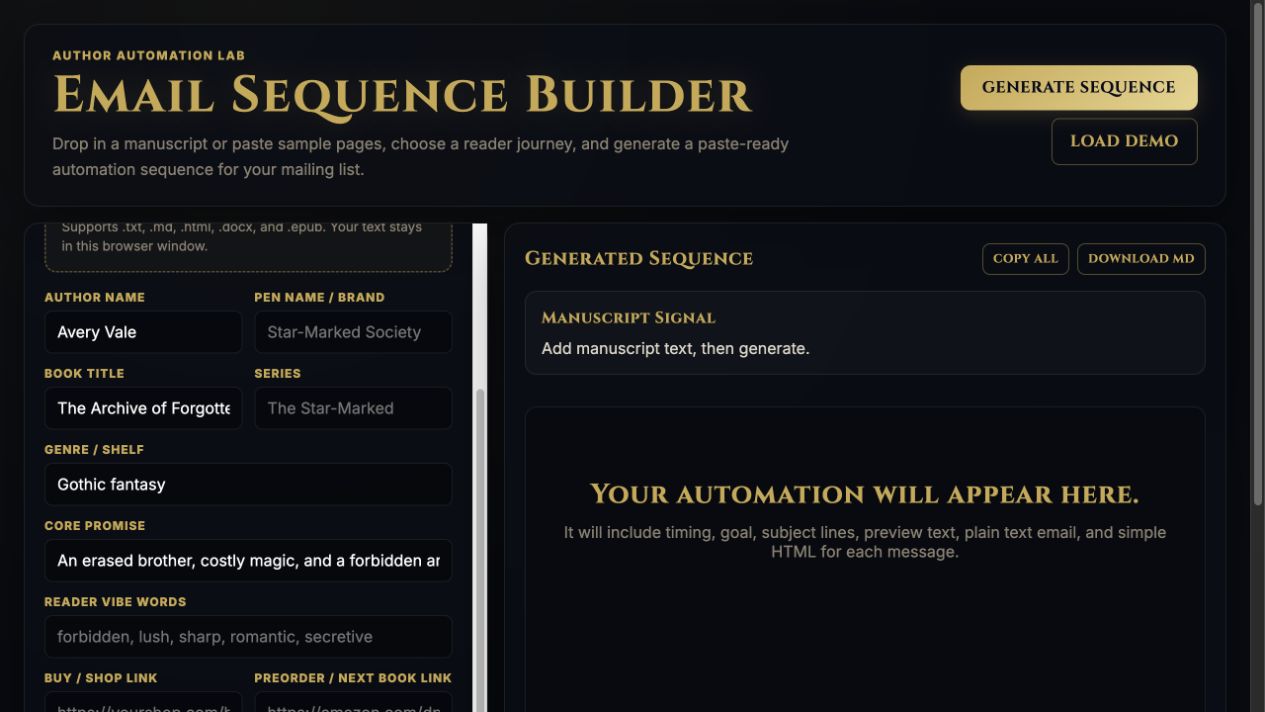
Step-by-step guide · Browser template builder
Draft a connected set of reader emails ready to adapt for your mailing service.
Check price and access →Step 1
Add book context, author details, reader promise, and the destinations you want readers to visit.
Step 2
Select welcome, preorder, new release, ARC, review request, or another supported workflow.
Step 3
Review each email, replace placeholders, and set up the automation in your mailing platform.
Email timing, purpose, subject lines, preview text, and editable body copy.
Review the result against your source and intended use. Keep a backup before changing devices or replacing a saved project.
It prepares the messages. It does not send them, subscribe readers, or run your mailing-list automation.
Return to product and access details →