Step 1
Approve the campaign brief
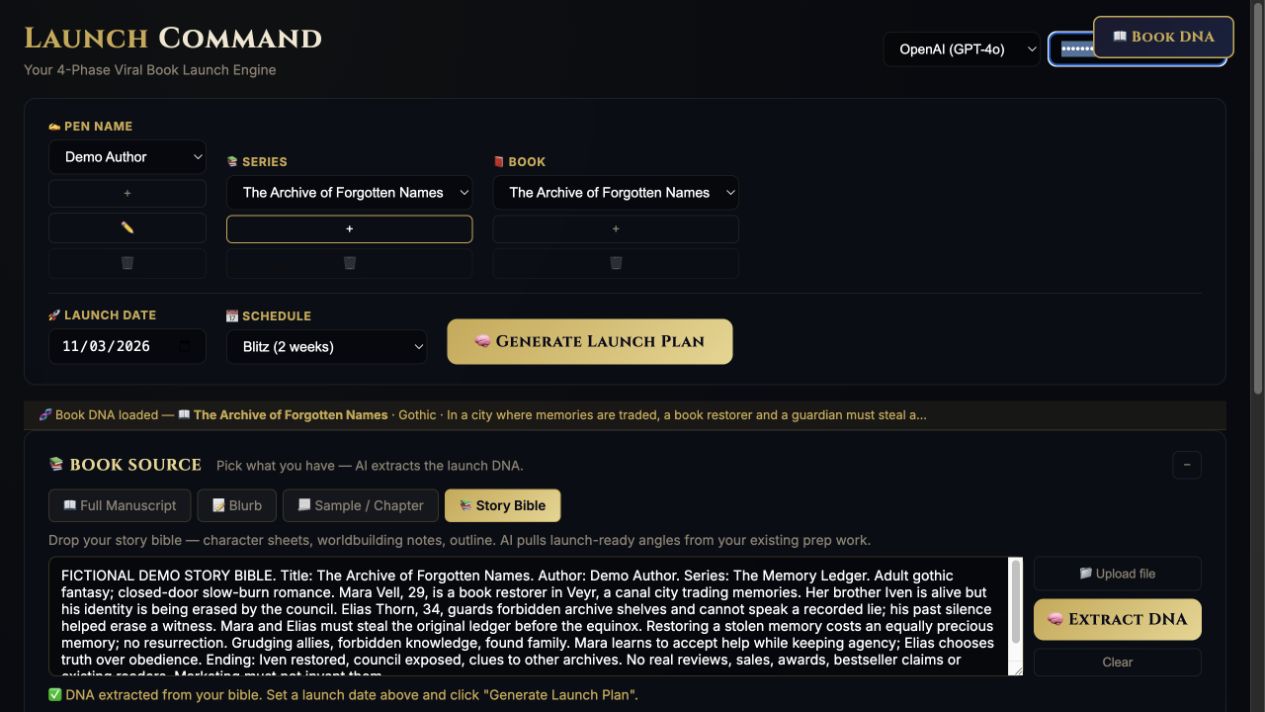
Add your intended readers, reader promise, destination link, available assets, and spoiler boundaries. Review the strategy before generating.
Step-by-step guide · Browser app
Turn an approved campaign brief into scheduled content tasks and draft promotional copy.
Check price and access →Step 1
Add your intended readers, reader promise, destination link, available assets, and spoiler boundaries. Review the strategy before generating.
Step 2
Choose channels and pieces per week. Review dated tasks and resume unfinished content after an interruption.

Step 3
Use the copy and calendar on their own, or optionally send slideshow tasks to TeaserPro for editable slides, artwork, and paid video clips.
A reviewed strategy, dated task schedule, channel copy, and optional TeaserPro handoff files.
Review the result against your source and intended use. Keep a backup before changing devices or replacing a saved project.
Use LaunchCommand for campaign planning. TeaserPro produces slideshow assets; an email service sends your emails.
Return to product and access details →