Step 1
Choose a specific seed
Start with a hook that names a conflict, impossible choice, or compelling story detail.
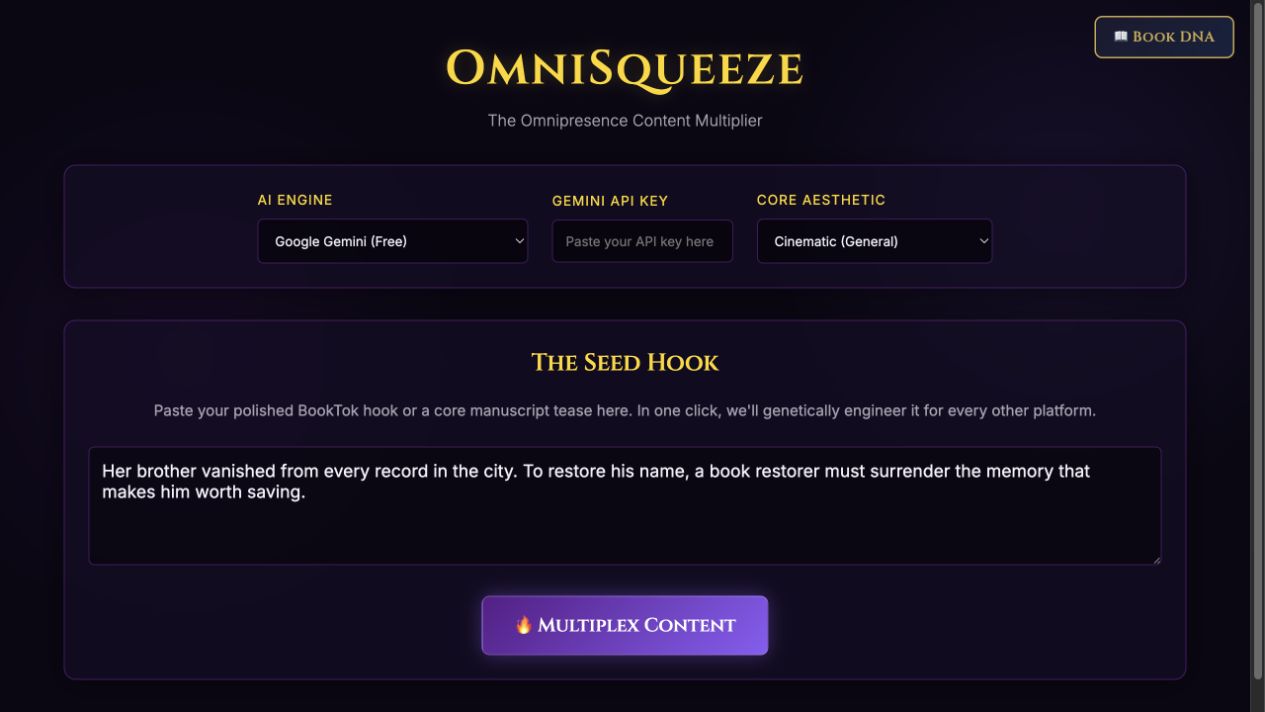
Step-by-step guide · Browser app
Adapt one focused book hook into drafts for different marketing channels.
Check price and access →Step 1
Start with a hook that names a conflict, impossible choice, or compelling story detail.
Step 2
Choose the reader-facing tone that fits the book and multiplex the content.
Step 3
Keep the premise consistent while adjusting length, voice, links, and calls to action.
Platform-specific post copy, newsletter openings, and short promotional script drafts.
Review the result against your source and intended use. Keep a backup before changing devices or replacing a saved project.
HookHero helps generate the starting hook. OmniSqueeze adapts a chosen idea to more channels.
Return to product and access details →