Step 1
Start with the story
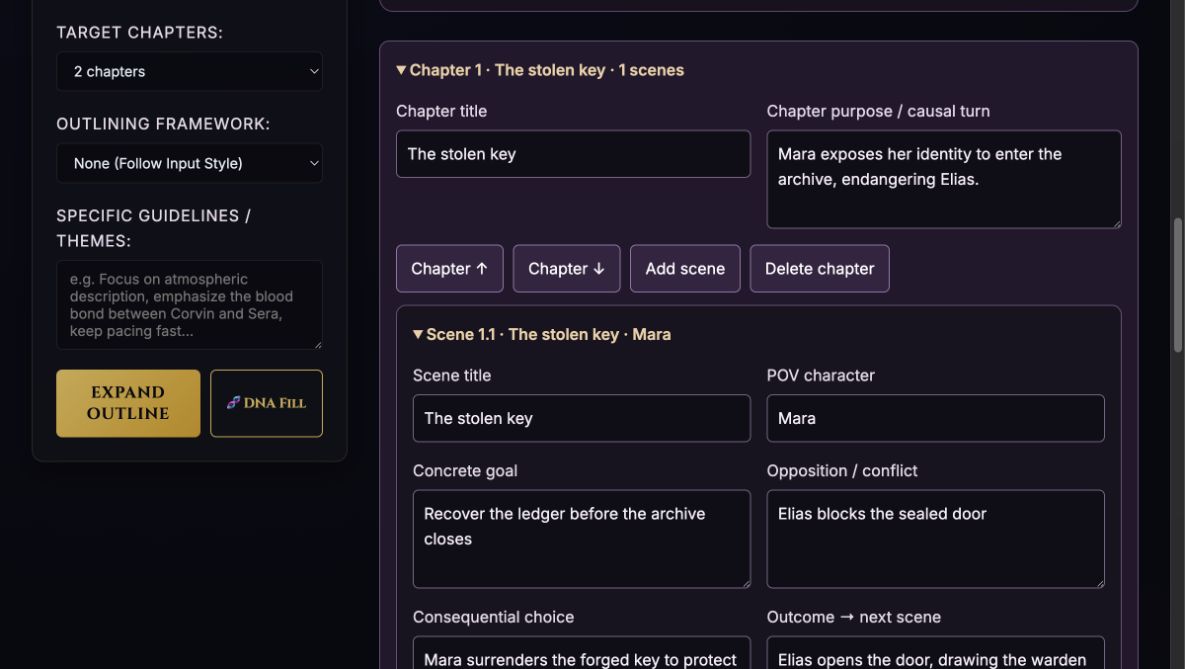
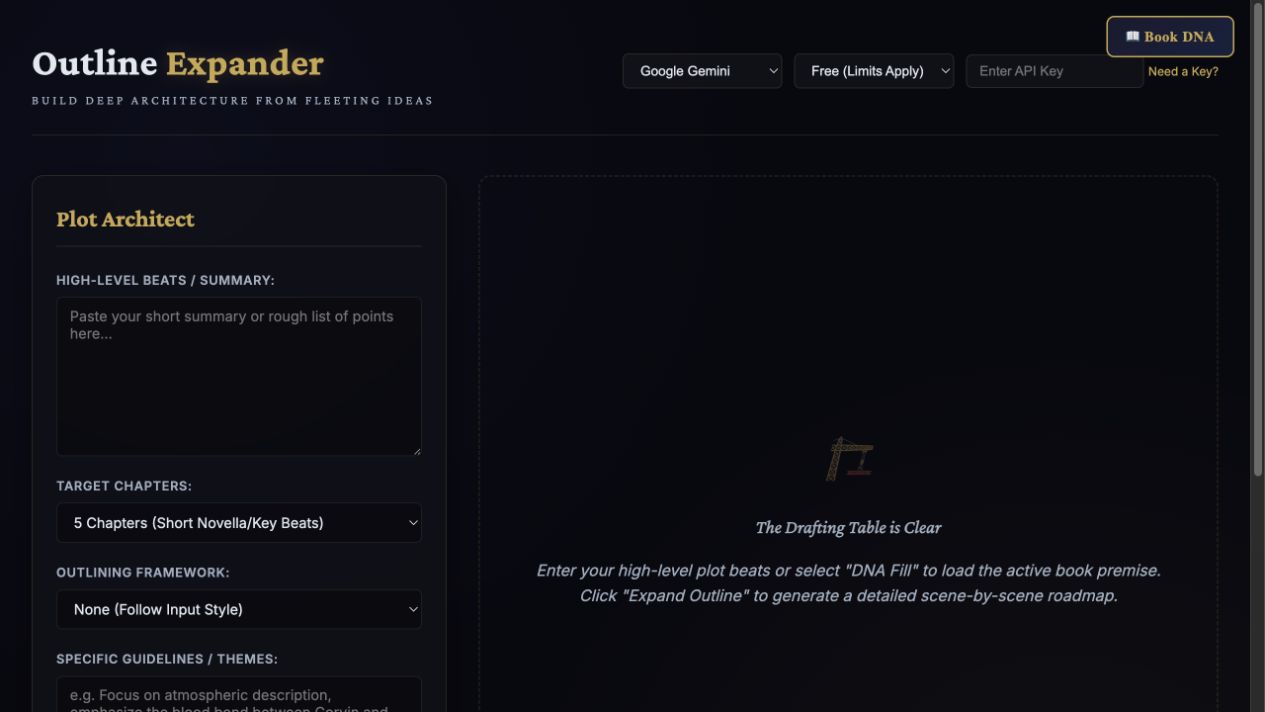
Name the book, add beats and an ending, then choose 1–40 chapters and an optional framework.
Step-by-step guide · Browser app
Turn story beats into an editable chapter-and-scene roadmap.
Check price and access →Step 1
Name the book, add beats and an ending, then choose 1–40 chapters and an optional framework.
Step 2
Generate a chapter plan, then saved scene drafts. Edit, reorder, move or regenerate individual scenes.
Step 3
Link setups and payoffs, review unresolved threads, and export the roadmap or deliberately copy it into active Book DNA.
A chapter plan, editable scene drafts, tracked setups and payoffs, and an exportable roadmap.
Review the result against your source and intended use. Keep a backup before changing devices or replacing a saved project.
The standalone store purchase is the separate Outline Expander AI skill. PlotArchitect develops the premise before outlining.
Return to product and access details →