Step 1
Set your editorial brief
Import a scene, chapter or complete manuscript. Add your intent, own voice sample and protected phrases.
Step-by-step guide · Browser app
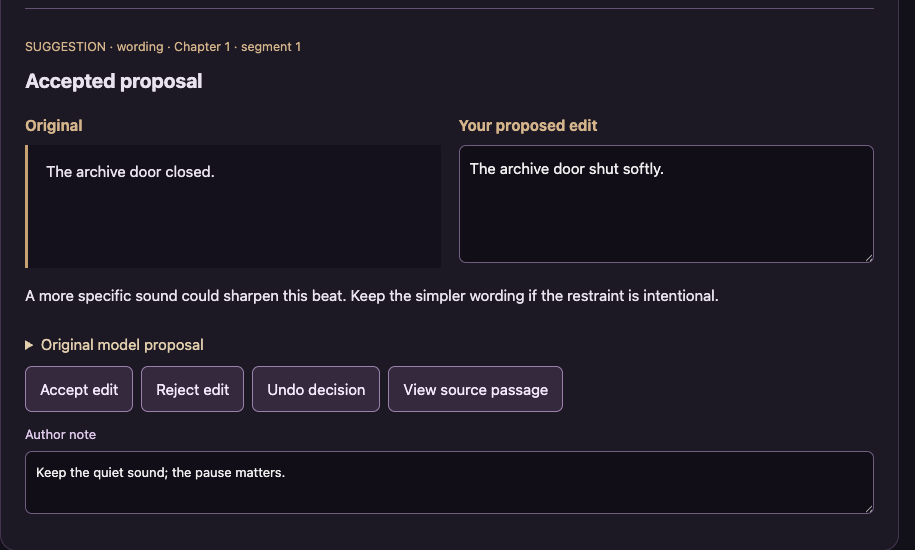
Review proposed line edits and build a draft containing the changes you accept.
Check price and access →New: actual Ruthless Editor run. 2:36 with captions, review decisions and written steps. Watch the actual app demo →
Step 1
Import a scene, chapter or complete manuscript. Add your intent, own voice sample and protected phrases.
Step 2
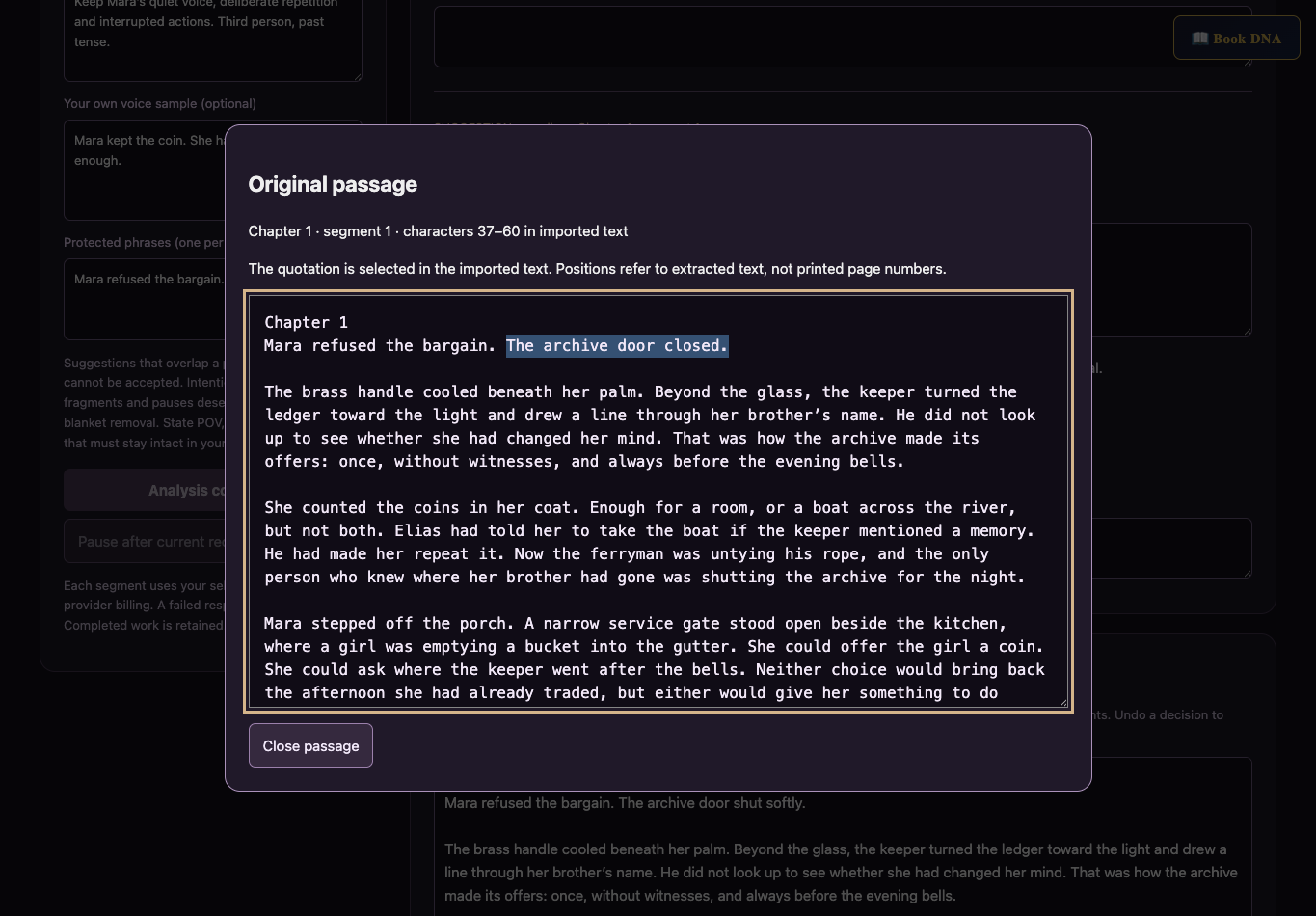
Compare original and replacement, inspect the source, and accept, reject or revise the wording.
Step 3
Export a draft containing only accepted edits, keep the original source, and save a portable backup.
Original/replacement comparisons, accepted edits, an edited text export, and a project backup.
Review the result against your source and intended use. Keep a backup before changing devices or replacing a saved project.
Dev Edit diagnoses story problems. Final Fiction Edit is a separate assistant workflow for a final prose pass.
Return to product and access details →