Step 1
Choose your series and book
Start a saved series workspace, keep editable notes, and import a manuscript into the correct book.

Step-by-step guide · Browser app
Build a reviewed reference for the facts and continuity of your series.
Check price and access →Step 1
Start a saved series workspace, keep editable notes, and import a manuscript into the correct book.
Step 2
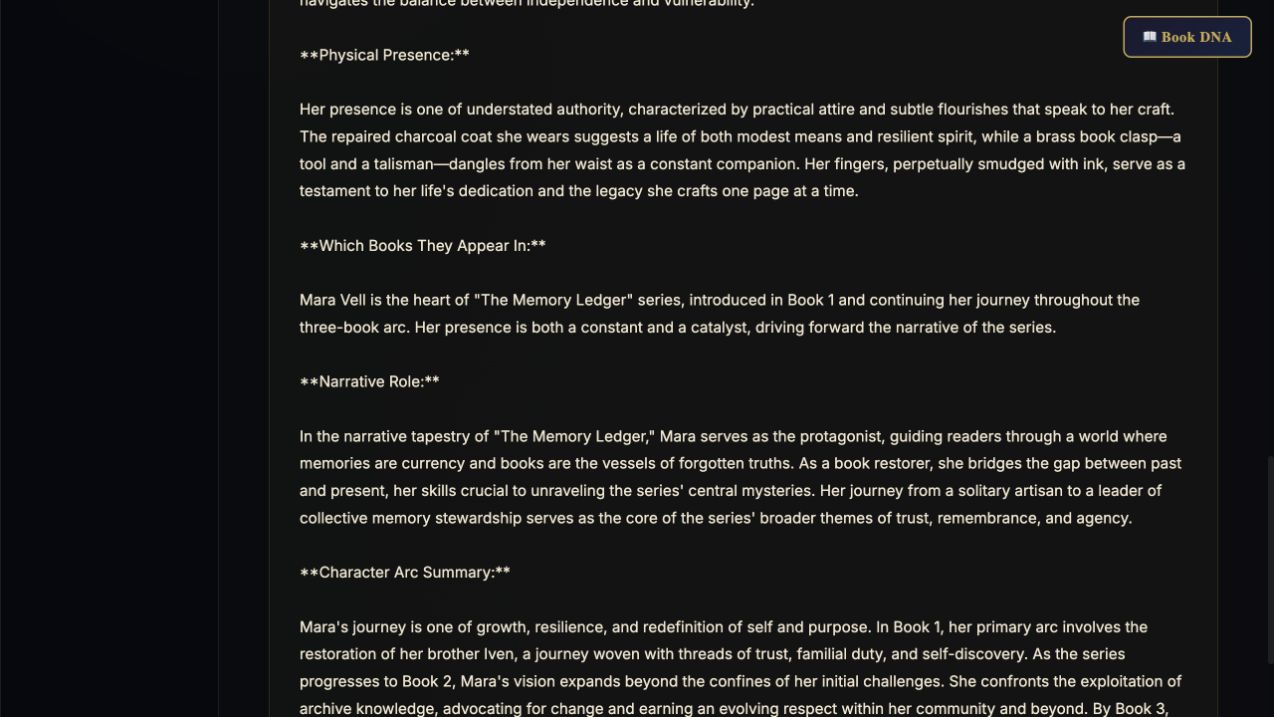
Process all extracted text in resumable segments. Check each suggestion against its highlighted source before approving it.
Step 3
Export approved facts with citations, compile editable draft sections, and download a complete series backup.
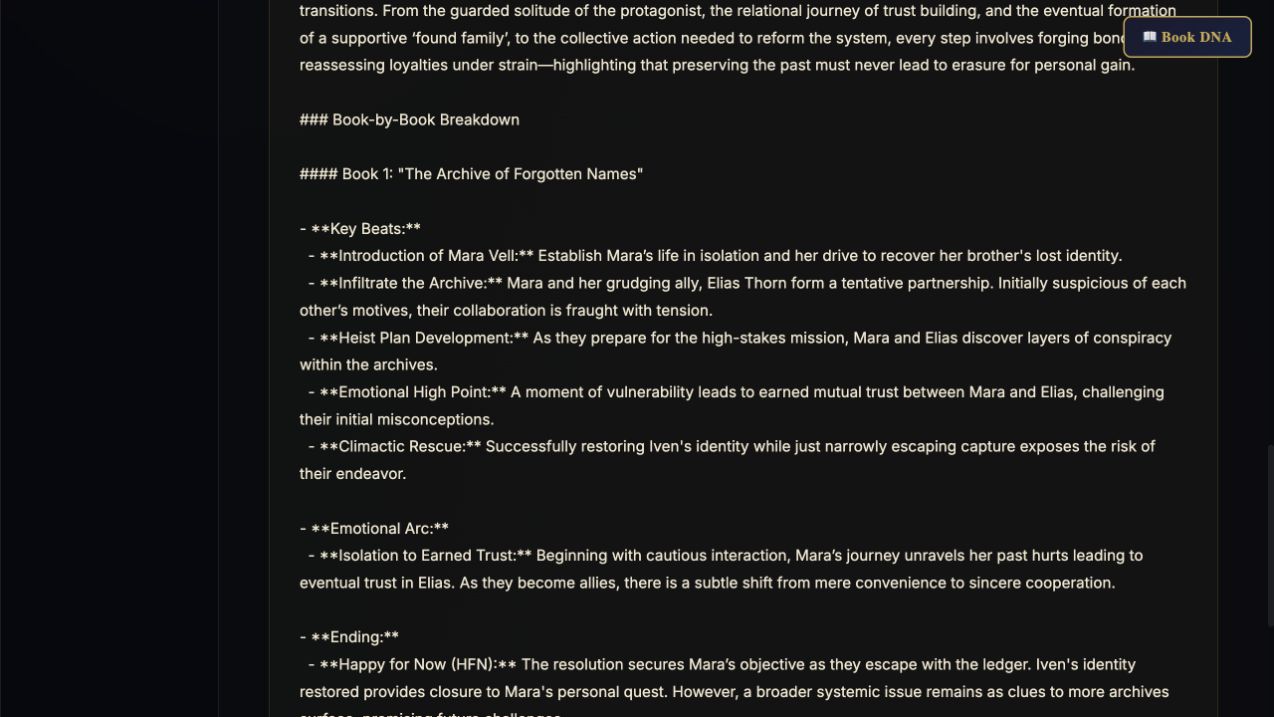
Approved facts with supporting passages, draft reference sections, and a complete series backup.
Review the result against your source and intended use. Keep a backup before changing devices or replacing a saved project.
Character Weaver develops character designs. A bible records reviewed canon; an AI proposal becomes canon only when you approve it.
Return to product and access details →