Step 1
Choose one charged moment.
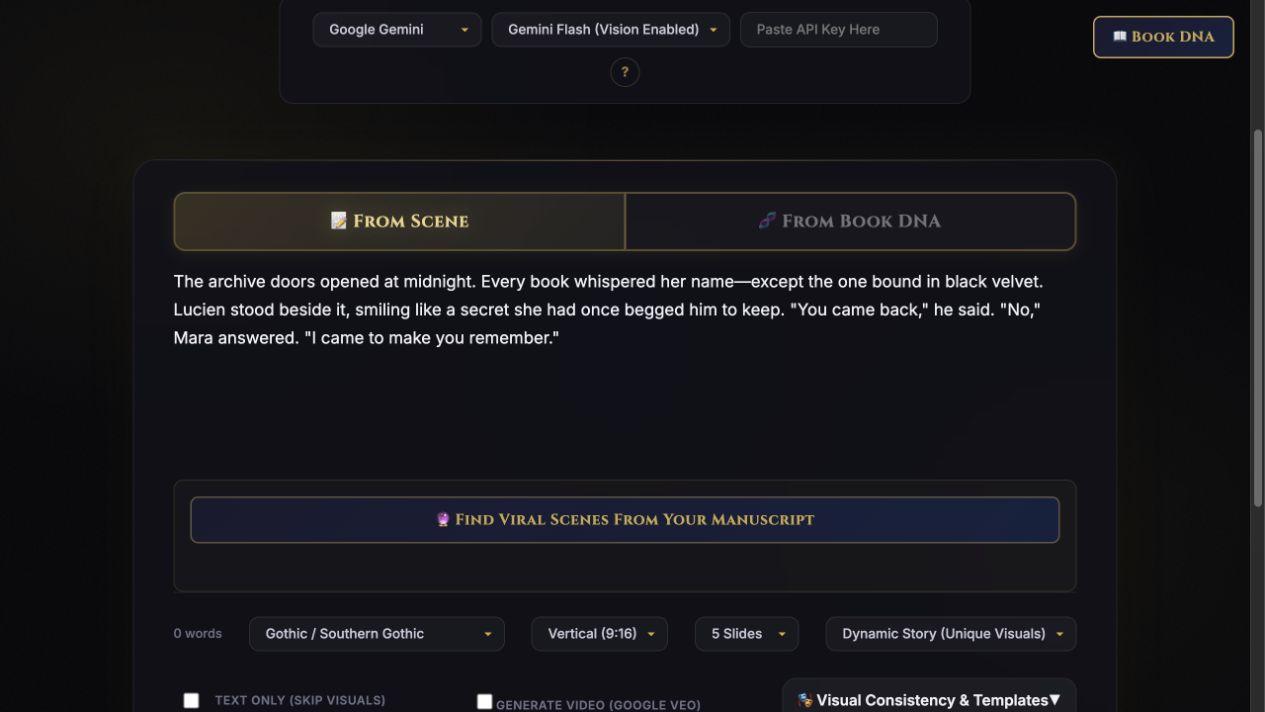
Paste a scene or chapter: a betrayal, confession, threat, or almost-kiss. You can also work from Book DNA—the premise, characters, and story context extracted from your manuscript.
Step-by-step guide · Browser app
Create an editable slideshow or carousel from a specific moment in your book.
Check price and access →New: actual TeaserPro run. 2:50 with captions, review decisions and written steps. Watch the actual app demo →
Step 1
Paste a scene or chapter: a betrayal, confession, threat, or almost-kiss. You can also work from Book DNA—the premise, characters, and story context extracted from your manuscript.
Step 2
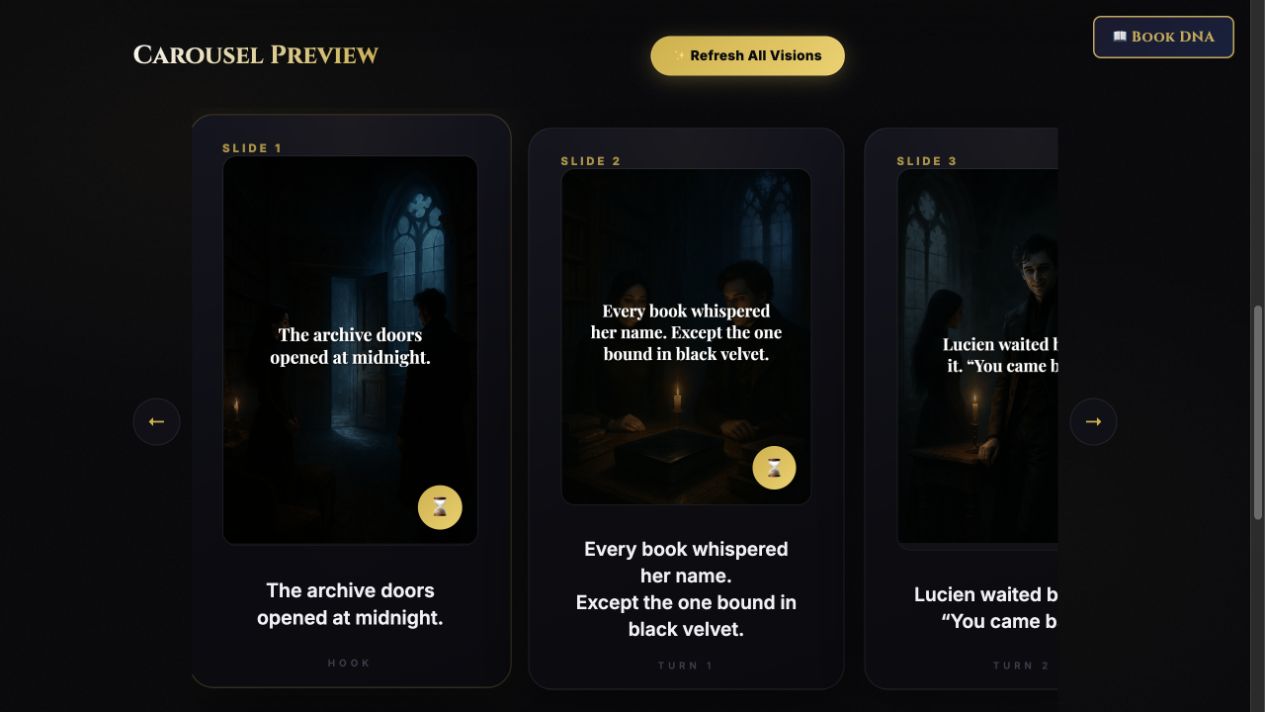
Choose your genre, square or vertical format, and 3, 5, 7, 9, or 12 slides. Start with Text Only, or choose visual settings and reusable character and style templates.
Step 3
Select Architect Carousel, refine the slide text, and copy your caption. Generate visuals when you need them, save your assets, and organize the post in the campaign planner.
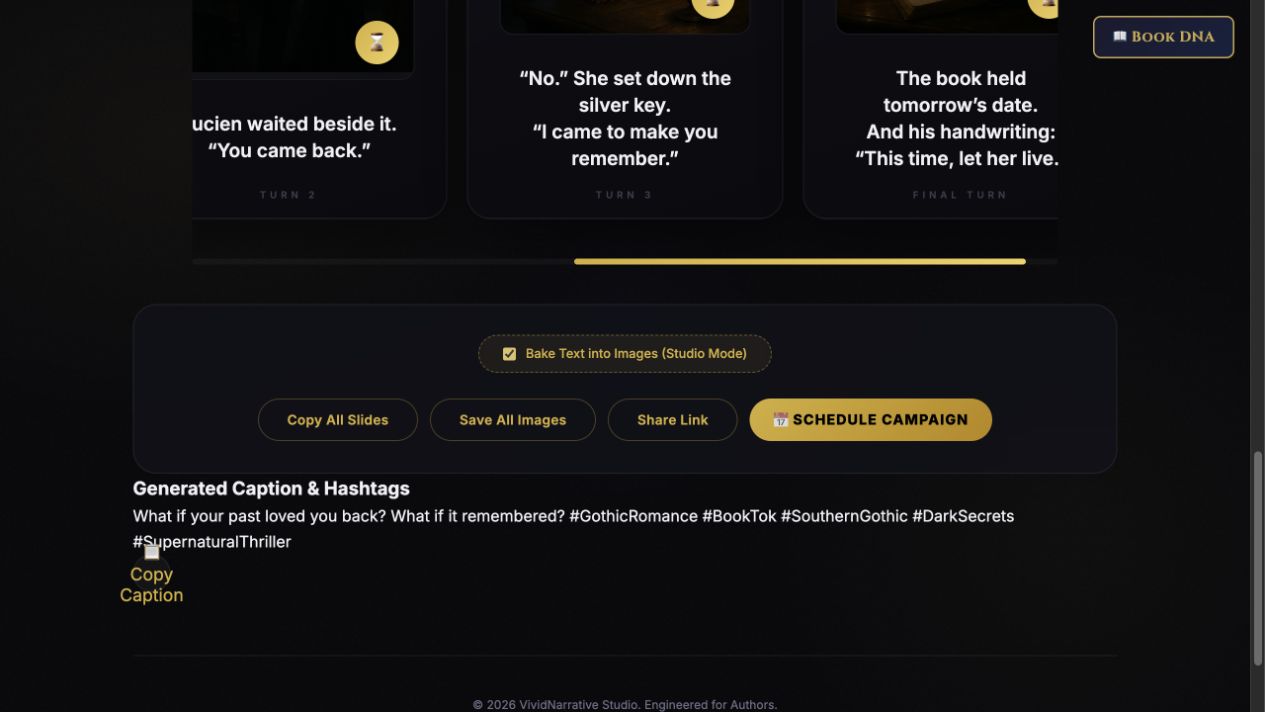
Slide copy, captions, image prompts, optional generated visuals, saved assets, and campaign-planner entries.
Review the result against your source and intended use. Keep a backup before changing devices or replacing a saved project.
HookHero generates short promotional hooks. TeaserPro develops a sequence of slides. Animated Book Promo Studio is a separate installable video workflow.
Return to product and access details →