Step 1
Set the story boundaries
Name the thematic conflict, tone, ending, and motifs. Start from your own notes or optional reference imports.
Step-by-step guide · Browser app
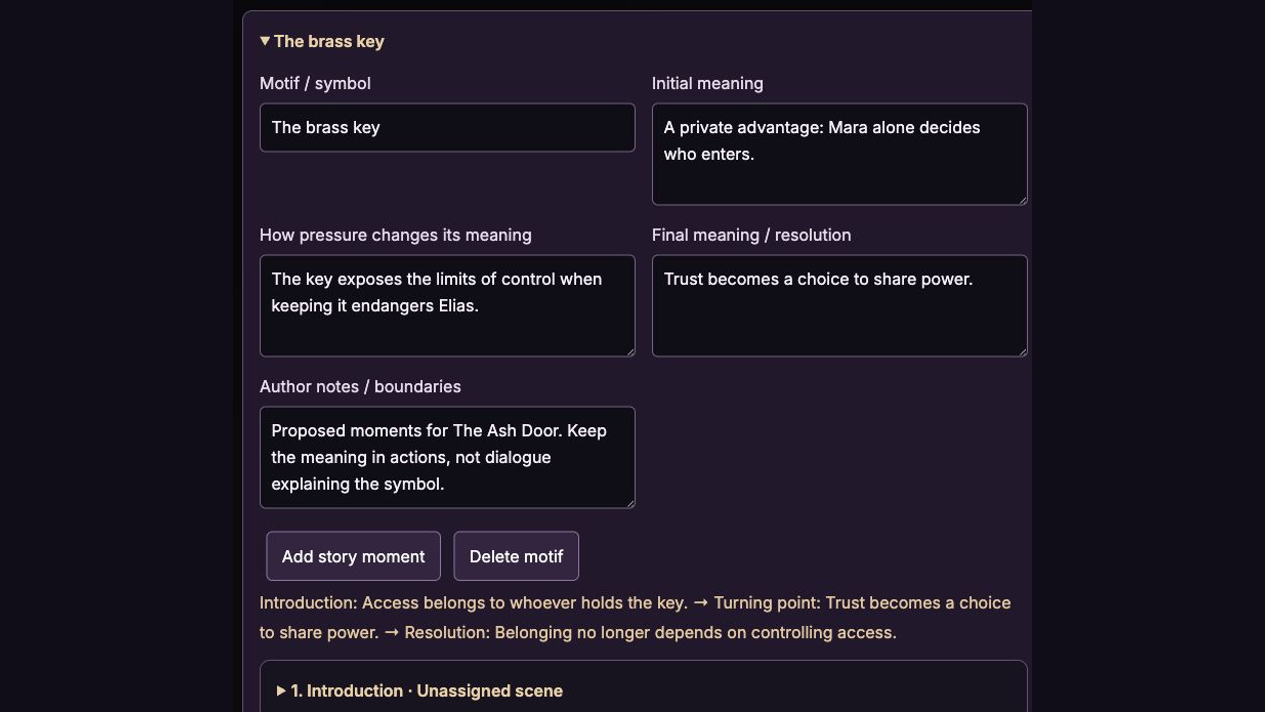
Develop motifs whose meaning changes through character choices and consequences.
Check price and access →Step 1
Name the thematic conflict, tone, ending, and motifs. Start from your own notes or optional reference imports.
Step 2
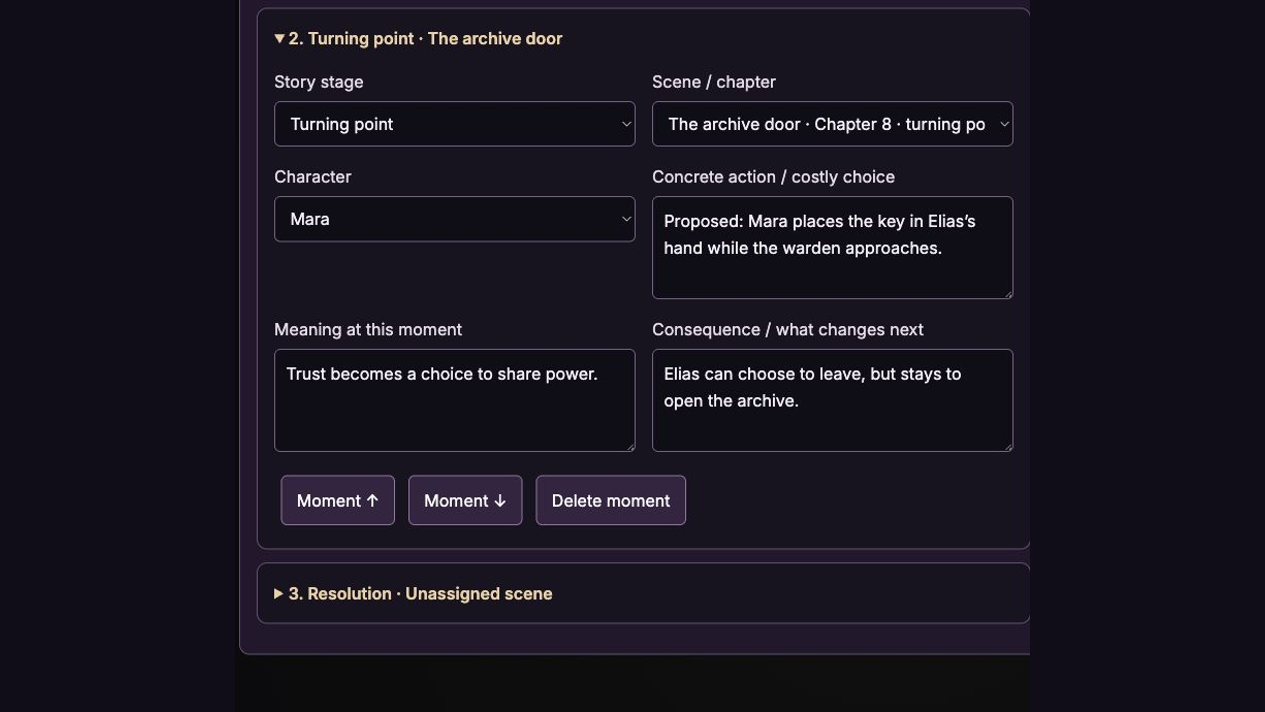
Draft or manually build motif arcs, then link story moments to scenes and characters with an action, meaning, and consequence.
Step 3
Assess quoted suggestions, keep version checkpoints, and export a guide or portable backup.
Editable motif arcs, linked story moments, revision notes, and a portable guide.
Review the result against your source and intended use. Keep a backup before changing devices or replacing a saved project.
The standalone purchase and Skills Vault supply the separate installable Theme Weaver skill.
Return to product and access details →