Step 1
Upload the material
Use a clean manuscript, chapter, or representative excerpt.
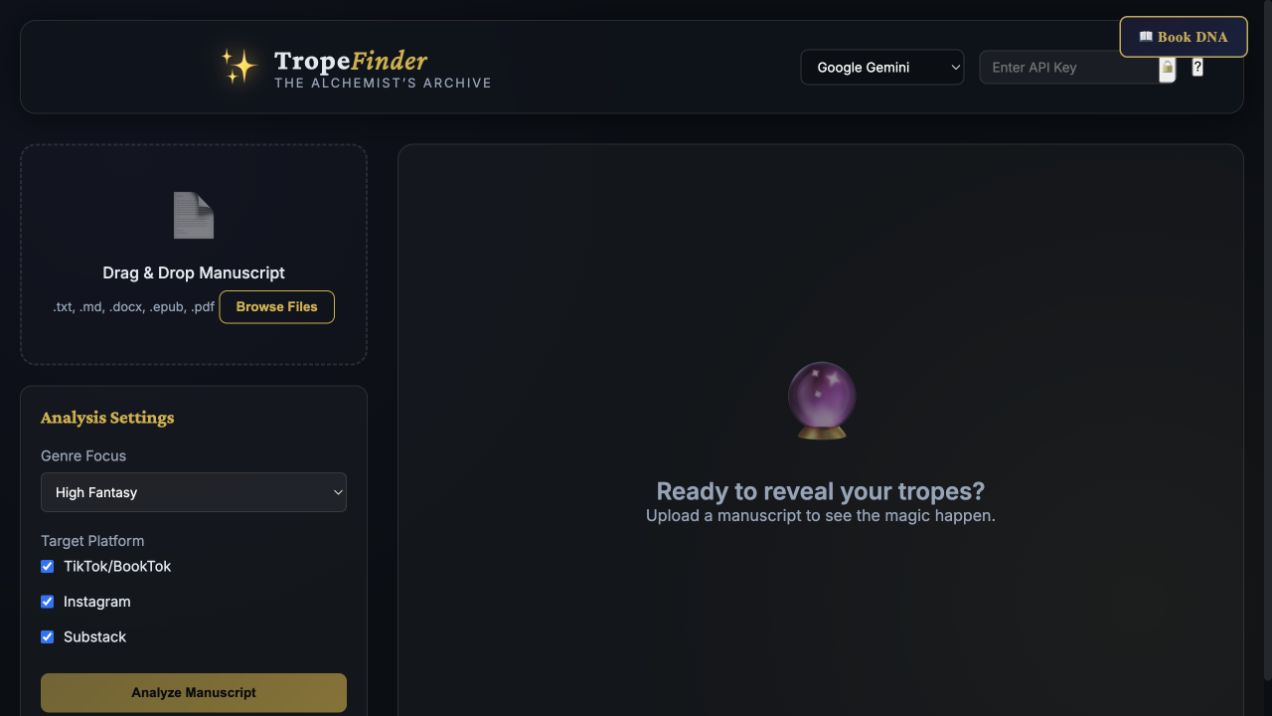
Step-by-step guide · Browser app
Identify supported tropes and reader-facing angles in your manuscript material.
Check price and access →Step 1
Use a clean manuscript, chapter, or representative excerpt.
Step 2
Select the closest genre focus and the platforms you want ideas for.
Step 3
Review the core tropes first and carry the strongest truthful language into your marketing.
Suggested tropes, hook angles, visual direction, and newsletter teasers to verify against the book.
Review the result against your source and intended use. Keep a backup before changing devices or replacing a saved project.
Genre Promise Check is a separate skill that reviews genre expectations and payoffs; TropeFinder focuses on marketing angles.
Return to product and access details →