EdgeWeaver
Carry the book’s atmosphere onto the page edge.
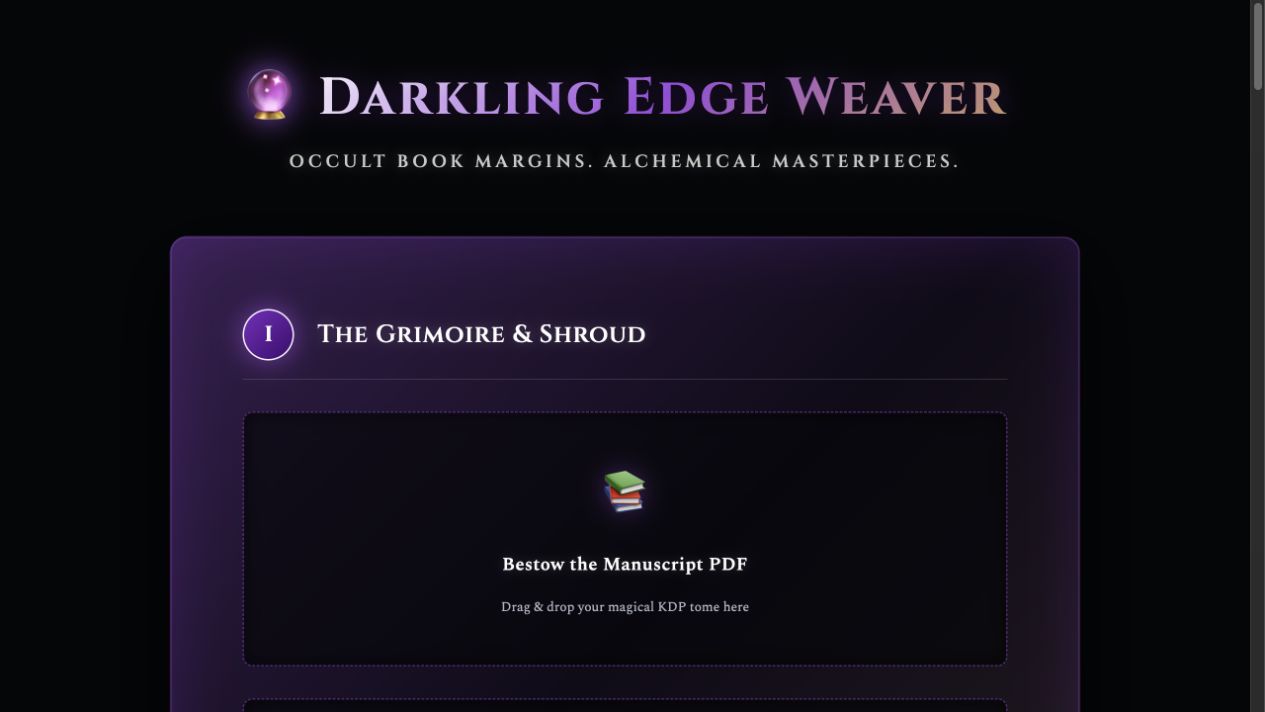
Prepare decorative-edge templates and interior graphics using your artwork, trim size, page count, and print files.
$149 one-time app access
Also listed as Edge Weaver or Book Edge Generator. No AI API key is required for the shown template controls.
Your workflow
From starting point to something useful.
Set the physical book
Confirm the final trim size, page count, and paper choice.
Place the artwork
Load edge art and optional interior graphics; inspect their placement and coverage.
Export and proof
Create the appropriate template or print PDF, then check it against your printer’s specifications.
A concrete example
See what the workflow looks like.
The template screenshot uses a 320-page, 6 × 9-inch example and shows the app’s calculated edge dimensions. These are planning settings, not a printer approval or a photograph of a printed book.
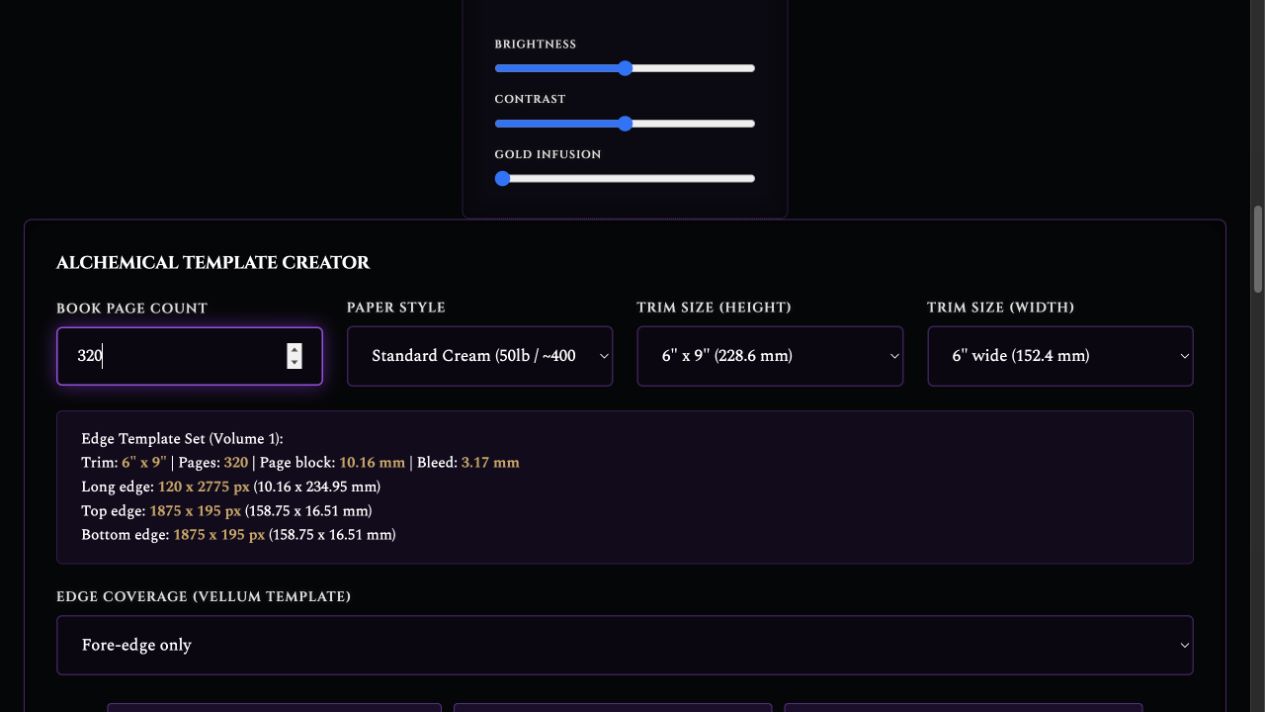
Screenshots show the actual app interface. Book and author examples are fictional. Setup screens are labeled separately from generated results; interface details may vary by edition.
What you can do
A focused tool for a specific job.
- Edge templates
- Calculate long, top, and bottom edge dimensions.
- Vellum border workflow
- Create a multipage border template for the supported Vellum setup.
- Coverage controls
- Choose fore-edge or all-edge coverage.
- Artwork adjustments
- Tune brightness, contrast, and gold tint.
- Series continuity
- Map a larger artwork across multiple volumes.
- Interior graphics
- Work with frames, chapter sigils, and atmospheric spreads.
Learn before you choose
Watch the tool in use.
1:05 guided overview · Actual app captures · AI narration · English captions
Shows the workspace and calculated template settings; no finished print export or physical proof is demonstrated.
Read the overview transcript
EdgeWeaver helps prepare decorative-edge templates and interior graphics. Start with the final trim size, page count, and paper choice. Bring your artwork, and use a final manuscript PDF when following the manuscript-overlay workflow. This actual template screen uses a three-hundred-and-twenty-page, six-by-nine-inch example. Check the calculated long, top, and bottom edges, then choose the coverage your project needs. The Vellum border-template workflow can begin without a manuscript PDF. Place the artwork, inspect its alignment, and export the appropriate template or print file. These settings are a planning example, not approval from a printer. Check the export against your printer's specifications and order a physical proof. The shown template controls need no AI key.
Before you start
What you need.
Bring your own artwork and exact production details. Manuscript-overlay workflows need a final PDF; the Vellum border-template workflow can begin without one. Always inspect the export and order a physical proof.
Keep a reviewed copy
Check the work against your actual project, then save or export the material you want to keep. Your final editorial and publishing choices remain yours.
EdgeWeaver
Put the tool to work.
One-time app purchase.
Use your purchase license in My Library to open the tool.
Already own it? Open My LibraryAlso available through the Full Marketing Suite and Everything Bundle.
Compare bundles →Keep exploring